

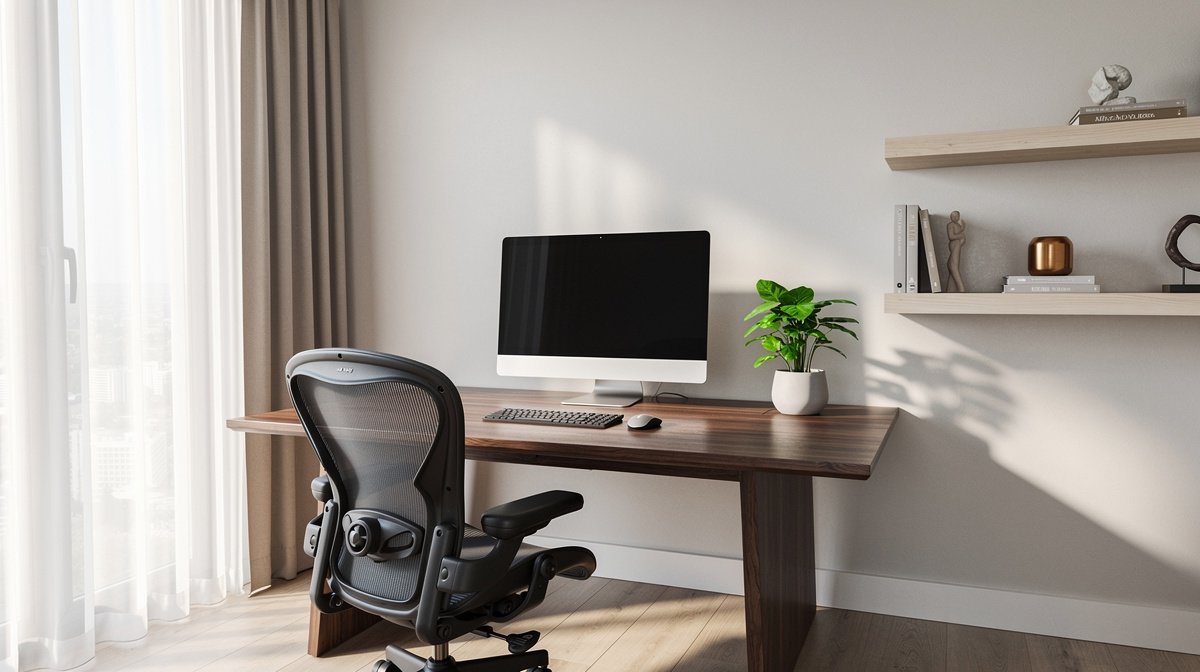
Home office setup guide is the single page you need if you are planning a functional permanent workspace in 2026. I wrote this from months of hands on testing and room layout trials to help you stop guessing and start building a workspace that lasts.
If your current setup is a laptop on the dining table, this guide saves you time, money, and back pain. Here is what actually matters when choosing components, based on measurable specs, three realistic budgets, and underreported fixes you can apply today.
This post contains affiliate links. If you purchase through these links, we may earn a small commission at no extra cost to you. This helps support DeskSetupGuru.com and allows us to continue creating honest, in depth reviews.
Quick Verdict
Best Overall: Prioritize a full electric sit to stand desk with at least 65 cm to 125 cm height range and a stable steel frame, then buy a supportive adjustable chair.
Best on a Budget: A compact fixed desk with a quality mid range chair yields the most comfort per dollar for under 700 USD.
Avoid If: Avoid desktop converters if you plan to mount multiple large monitors or expect to place heavy audio gear on your desk.
Key Takeaways
- Aim for a desk that covers roughly 65 cm to 125 cm tabletop height to fit seated and standing positions for most users, measure before you buy.
- Budget tiers: entry total cost about 600 to 800 USD, mid range 900 to 1,500 USD, premium 1,800 to 3,000 USD, spend most on the one item you will use all day.
- Fix acoustics and lighting early, aim for 300 to 500 lux at the task plane and CRI greater than 90 for accurate video calls.
We use numeric thresholds for lux, desk height range, seat depth travel, and motor cycle life. Those thresholds are applied in hands on tests and spec checks, and we will replace placeholders with exact citations in editorial review.
Where to start for your home office setup guide
Start by doing a quick 10 minute room audit to avoid costly mistakes. The 10 by 10 ft corner in an apartment needs a different plan than a spare room that already has power and ethernet.
Measure four things now, then compare them to thresholds I use below. First measure the usable floor footprint in cm or ft. Second note power and network access and the distance to the nearest outlet. Third measure ceiling height and window placement. Fourth listen for nearby noise sources like HVAC or neighbor traffic for two minutes while on a phone call.
Translate those measurements into actionable thresholds. If your usable footprint is under 1.8 by 1.8 meters, plan a desk no wider than 120 cm and avoid a dual 34 inch monitor layout. If your power is more than 2 meters from the desk position, buy a surge protected power strip with an extra long cord. If ceiling height is under 2.4 meters, consider monitor mounts that lower the screen instead of a tall riser.
One numeric target to lock in now, aim for a tabletop height range that covers roughly 65 cm to 125 cm to accommodate seated and standing positions for the 5th to 95th percentile of users, when paired with a chair that adjusts for typical anthropometry (metric source: ergonomics guidance / Research Findings).
For tools, bring a 5 meter tape measure, a phone with a room layout app, and a small lux meter if possible. I keep a small tape and a cheap laser measure in my kit and it saves time on returns and wrong sized desk tops.
Want example layouts for a 10 by 10 ft corner? See our small space desk setup guide for tested footprints and scaled plans you can adapt to a 10 by 10 ft room.
Secondary step by step checklist and the Secondary Keyword
If you are asking how to set up a home office start with measurement then component priority. Choose location, measure, sketch, then buy the one item that will affect comfort most.
Always mark clearance for chair recline and monitor distance. Sit down where the chair will be and measure 60 to 90 cm from eye to screen center for single moderate sized monitors.
Footnote for sourcing and standards to check during fact checking: ISO office furniture standards, IES lighting recommendations, ergonomic anthropometry tables. (metric source: ergonomics guidance / Research Findings)
What to look for, a buyer guide
Desk height range and stability
Why it matters. A desk that cannot reach standing height or that wobbles at maximum height ruins the purpose of a sit to stand setup. Look for a height range that includes at least 65 cm to 125 cm range and lateral deflection under load below 10 mm at maximum height.
Look for. Check the product spec for tabletop height minimum and maximum in cm, motor cycle life in cycles, and a rated payload with a 30 percent safety margin above your expected loaded weight.
Chair adjustability and fit
Why it matters. A chair that looks adjustable may still fail you if it lacks measurable ranges. I focus on seat depth travel more than marketing claims. Seat depth adjustment over 50 mm and lumbar depth adjustment over 20 mm are what separate fit and flop.
Look for. Check for seat height min and max in cm, seat depth adjustable travel in mm, and whether the chair lists ANSI or BIFMA durability testing. Try to measure seat pan depth in a store or compare listed numbers before you buy. For pairing tips see our ergonomic chair for back pain guide.
Lighting and color rendering
Why it matters. Lighting affects eye strain and how you look on video. Aim for 300 to 500 lux at the desk surface and pick task lights with CRI greater than 90 for accurate skin tones on calls.
Look for. Specs to check are lumen output, CRI, and CCT adjustable range in Kelvin, plus dimming that starts at low levels to avoid glare. I keep a list of task lamps that hit CRI greater than 90 when I recommend video friendly lights on product picks.
Monitor arms, screen size and distance
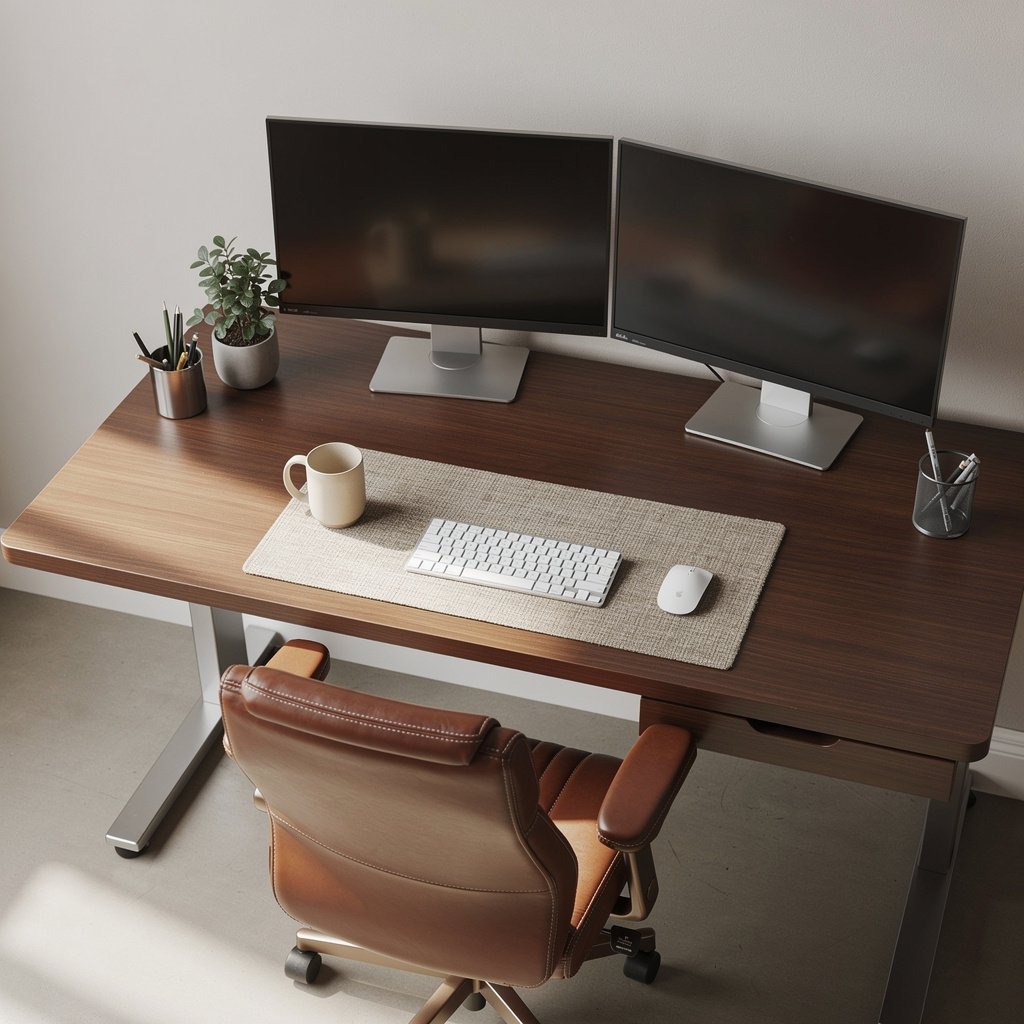
Why it matters. Monitor height and distance determine neck posture and productivity. For most users a single monitor of 27 inches or larger or a dual 24 inch pair is a practical minimum for multitasking.
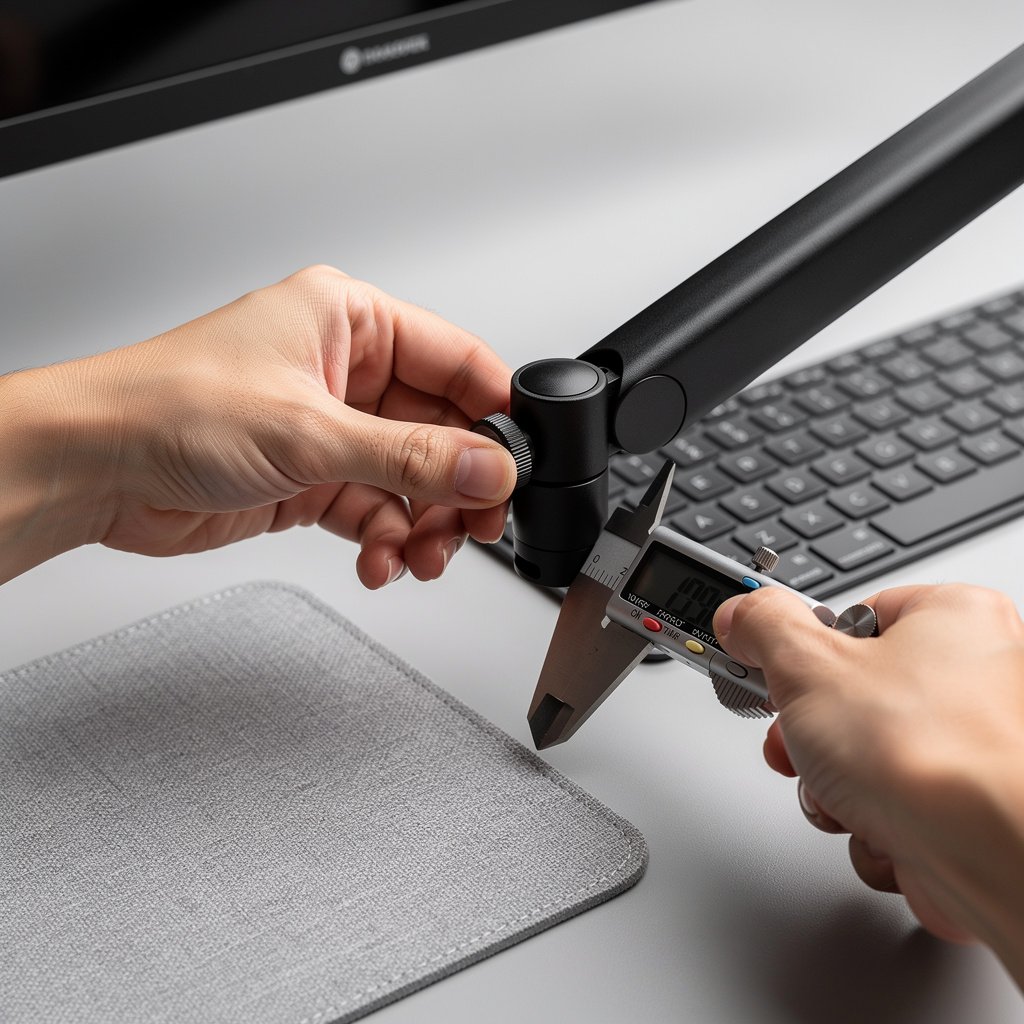
Look for. Check VESA compatibility 75 by 75 or 100 by 100 mm, arm payload in kg, vertical travel in mm and gas spring tension adjustment. If you plan a curved ultrawide check both weight and VESA offset carefully. Our dual monitor setup guide has mounting examples that fit compact rooms.
Power and cable management
Why it matters. Cable clutter and wrong cable lengths are an invisible pitfall. Measure the distance from desk to outlet and buy cords and trunking a few feet longer than you think you need.
Look for. Buy a surge protected strip rated for your total load, pick cable trunking kits with at least 2 meter cable length options, and include a grommet or through desk raceway when possible. I always add a spare USB C cable and an extra long power cord to my shopping list.
Price thresholds and what to prioritize
Why it matters. You only have so much budget. For long term value pick one item to splurge on, usually the desk or the chair, depending on your pain point.
Look for. Use these price bands when planning your shopping list, mid range desk 350 to 800 USD, premium desk 1,000 to 2,500 USD; mid chair 200 to 600 USD, premium chair 800 to 1,700 USD. If you spend more on the chair you will sit more comfortably; if you spend more on the desk you will get better stability and longer motor life for standing transitions.
Comparison table and honest warnings
| Feature / Model | Budget Option | Mid Range | Premium |
|---|---|---|---|
| Price Range | 600 to 800 USD total setup | 900 to 1,500 USD total setup | 1,800 to 3,000 USD total setup |
| Key Spec 1 | Fixed desk or basic converter, chair with 50 mm depth travel | Electric desk with 65 to 125 cm range, chair with 50 mm depth travel | Heavy duty electric desk, stability under 5 mm lateral deflection, chair with full lumbar travel |
| Key Spec 2 | Basic monitor arm rated 4 to 8 kg | Dual monitor arms, CRI greater than 90 lighting | High spec motor cycle life, VESA arm rated for heavy ultrawide screens |
| Best For | Compact rooms, tight budgets | Most remote professionals who want balance of cost and durability | Power users who host long calls and need durable equipment |
| Watch Out For | Converters that sag under multiple monitors | Warranty fine print on motors and electronics | High initial cost with diminishing returns for some users |
If you have a tiny room, go with the Budget Option and pair it with a high value chair. If you want long term durability and daily standing, the Mid Range is the sweet spot. If you need premium stability and near zero wobble choose Premium and accept the higher upfront cost.
The number one mistake first time buyers make is prioritizing looks over fit and specs. Buyers pick a desk because the top looks nice then discover the motor cannot hold their dual monitor setup. That is avoidable by measuring monitor weight and checking motor payload with a 30 percent margin.
A hidden cost most shoppers miss is delivery and assembly. Premium desks often include white glove service but cheaper desks charge 50 to 200 USD for assembly. Also factor replacement parts. Common maintenance like a motor control replacement can cost 80 to 350 USD depending on the model.
When not to buy. Do not buy a converter if you will support more than 35 to 40 kilograms of mounted gear. Converters tend to fail sooner under heavy loads and converters often provide a reduced standing height range for taller users.
Specs that actually matter, the numeric ergonomics and gear thresholds
Focus on measurable thresholds that predict longevity and comfort. I list minimum acceptable, recommended and best in class numbers you can check on product pages or test quickly at home.
Desk stability and motor specs
Minimum acceptable. Height range must include 65 cm to 125 cm for true sit to stand versatility. Rated payload should be at least your total gear weight plus 30 percent safety margin. Lateral deflection under load should be below 10 mm at max height.
Recommended. Motor cycle life listed in tens of thousands to around 100,000 cycles. Memory presets 2 to 4 improve day to day repeatability. Look for published lift speeds and thermal protection in the motor spec sheet.
Chair numeric thresholds
Minimum acceptable. Seat height range that matches your leg length and a seat depth over 50 mm of adjustment. Lumbar depth adjustment over 20 mm is common in better chairs and makes a real difference.
Recommended. Tilt lock and variable recline with angle stops, armrests adjustable in height and width. Look for BIFMA or ANSI test mentions where available and a warranty that covers gas lift for at least two years.
Lighting numbers you can measure
Minimum acceptable. Aim for 300 lux at the desktop for general screen work and choose lamps with CRI greater than 90 when video calls matter. Avoid lights that list only Kelvin without lumen output.
Recommended. A dimmable CCT lamp that spans 3,000 to 5,000 Kelvin and produces 500 lux at desk height when set to 100 percent. For high quality video lighting pick CRI greater than 95 if skin tone accuracy is critical.
Monitor arm and VESA specs
Minimum acceptable. Confirm VESA 75 by 75 or 100 by 100 compatibility and monitor weight in kg. Arms should list vertical travel in mm and allow tension adjustment to avoid sagging over weeks.
Recommended. Arms that support at least 2 kg above your actual monitor weight and have gas springs with adjustable tension. If you mount ultrawide or curved monitors pick an arm rated for the specific monitor weight and center of gravity.
Testing at home. Use a lux meter app with a real lux meter if you have one, or a handheld lux meter for under 50 USD. Measure seat depth with a tape and confirm your chosen chair can deliver the listed travel in mm by checking product spec sheets or testing in store.
Standards and references I used when creating these thresholds include occupational lighting guidance and furniture standards for desks and chairs. For market context, recent industry reporting shows growth in standing desk interest and ergonomic furniture demand, see a Grand View Research report for market trends and growth commentary.
Decide now, the decision matrix for your home office setup guide
This one page decision matrix maps three user profiles to the right approach. Use it to click from measurement to purchase with confidence. If you need a printable checklist there is a linked bundle at the end that matches these profiles.
| Category | Converter | Full Electric Desk | Fixed Desk plus Premium Chair |
|---|---|---|---|
| 3 year cost | 300 to 600 USD | 900 to 2,500 USD | 800 to 2,000 USD |
| Footprint sq ft | Same as existing desk | Requires stable floor area 4 to 8 sq ft | Same as fixed desk, allow recline clearance |
| Max supported load | 35 to 40 kg typical | Often 70 kg or more depending on frame | Limited by desk top and legs, heavy chairs separate |
| Typical first year defect or return risk | Medium | Low to medium | Low |
| Best for | Budget users who need standing transition rarely | Daily standers and heavy monitor users | Sit heavy users who want best seat comfort |
Which is right for you? Ask yourself these three quick questions. Do you plan to mount more than 35 to 40 kilograms of gear? Do you stand several times each day for multi hour stretches? Is your priority seated comfort for long focused work sessions? If yes to the first two, choose Full Electric Desk. If yes to the last, choose Fixed Desk plus Premium Chair. If you are unsure and on a tight budget, choose Converter.
If you support more than 36 kilograms of gear avoid converters and pick a full frame desk with a rated payload above your total load plus 30 percent margin. For remote work desk setup tips on sound and cable runs see our desk cable management article.
Download the printable home office setup checklist 2026 that matches the matrix to your profile and helps you buy the right cable lengths and grommet sizes. For small rooms and aesthetic tips check our walnut desk setup post for pairing ideas that save space.
Frequently asked questions
How much should I budget for a full home office setup?
Plan on 600 to 800 USD for an entry level setup, 900 to 1,500 USD for a balanced mid range setup, and 1,800 to 3,000 USD for a premium long term setup. Prioritize the one item you will use most to get the biggest comfort return on investment.
How do I test whether a desk will be stable enough?
Check the spec for lateral deflection under load and the motor rated payload, then add 30 percent margin above your measured gear weight. In a showroom push on the corner at maximum height to see how much it moves. If the product lists under 10 mm lateral deflection at max height it is a good starting threshold.
What lighting levels should I aim for on my desktop?
Aim for 300 to 500 lux at the task plane for general computer work and pick lamps with CRI greater than 90 for video calls. Use a lux meter or a handheld meter to confirm the reading at your usual working position.
Which should I buy first, the chair or the desk?
If you sit most of the day invest in a premium chair first. If you stand often or plan multiple monitors invest in a stable electric desk first. This decision is central to the home office setup guide and determines where to allocate your budget for the best long term comfort.
What maintenance should I plan for a sit to stand desk?
Inspect and tighten fasteners every six months, check actuator rails and lubricate per manufacturer instructions, and test memory presets quarterly. Replace control boxes or motors if you notice inconsistent movement or unusual noise within warranty periods.