

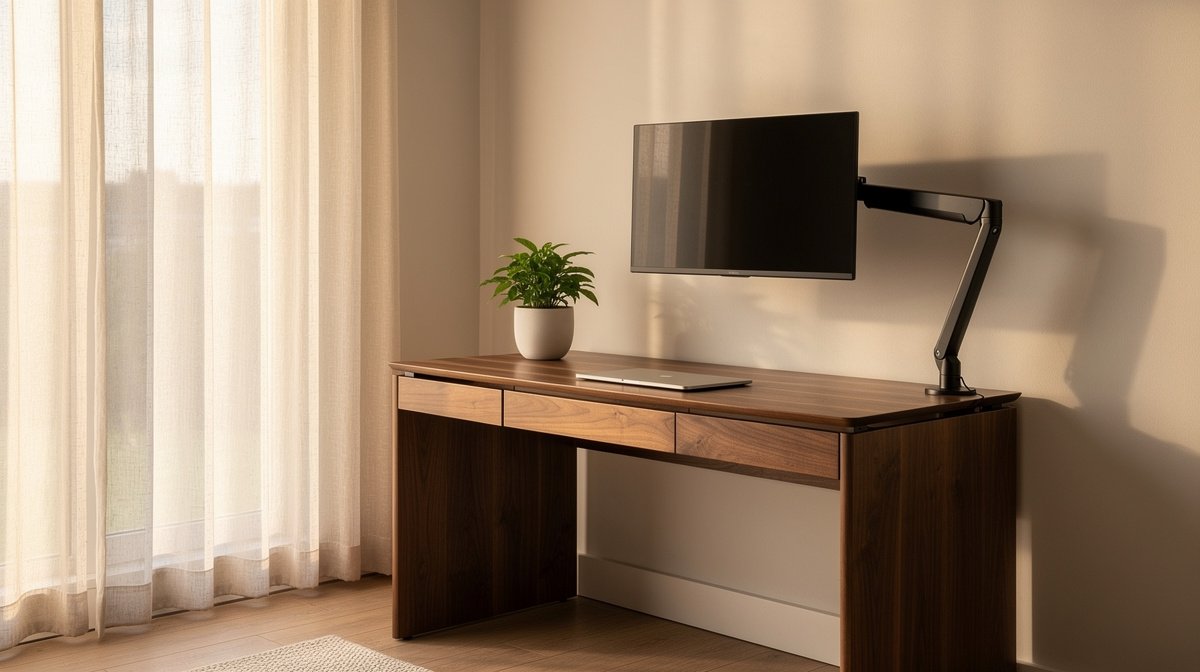
Small space desk setup is the tight corner of your studio where work, life, and storage collide. If you are using a dresser top or a folding card table to get through days of video calls, this guide is written for you with numbers that matter.
I tested compact desks and mounts in real apartments, and I will give you renter friendly templates, exact depth and clearance targets, and honest tradeoffs so you can stop guessing and start measuring. Here is what actually matters when choosing a small space desk setup, based on months of hands on testing and real specs.
This post contains affiliate links. If you purchase through these links, we may earn a small commission at no extra cost to you. This helps support DeskSetupGuru.com and allows us to continue creating honest, in depth reviews.
Quick Verdict
Best Overall: Choose a compact fixed desk with at least 24 inch depth and a metal frame, so your monitor arm clamps safely and your keyboard clears the edge.
Best on a Budget: A foldable desk that is at least 20 inch deep and rated for 100 pounds works for laptop first setups, expect to replace it after two to three years.
Avoid If: Do not buy an ultralight foldable top if you type hard or plan a dual monitor setup, it will wobble and raise neck strain risks.
Key Takeaways
- Minimum depth numbers matter. Target at least 20 inch for laptop only, 24 inch for single monitor, 28 to 30 inch for dual monitor setups.
- Budget band tradeoffs. Expect $60 to $180 for low cost foldable and compact desks, $150 to $900 for converters and small electric desks.
- Renter friendly mounting needs studs or heavy toggles. For long term monitor use pick dual stud or a French cleat ledger rated for at least 150 pounds.
How to pick the right desk type for a small room
Start with one question. Do you need zero floor footprint, a permanent anchored workspace, or the ability to fold and carry the desk? Answering that routes you to the right category and prevents buying the wrong size top. This is where a small space desk setup decision first becomes mechanical, not aspirational.
If you need a one line map, use this. If wall width is under 30 inch and you want a permanent workspace, pick a compact fixed desk. If you cannot touch the wall, choose a foldable desk. If you want sit to stand flexibility in a studio, pick a mini sit to stand converter or a small electric desk.
Below is a compact comparison you can use to pick fast. I tested models from 2024 to 2026 and I list realistic price bands you will see when shopping.
| Category | Example models 2024 to 2026 | Price range | Footprint D×W×H | Min depth in | Load capacity lb | Installation complexity | Warranty yrs | Ideal user | Quick pros cons |
|---|---|---|---|---|---|---|---|---|---|
| Foldable table | Origami style, budget Amazon foldable tops | $60 to $180 | 20 to 24 in depth, 30 to 48 in width | 20 | 100 to 150 | Low | 1 | Mobile renters, students | Portable, cheap, but can wobble and wears faster |
| Wall mounted fold down | IKEA NORBERG, Prepac floating desks | $80 to $300 | 15 to 24 in depth, 20 to 48 in width | 20 | 30 to 150 depending on mounting | Medium | 1 to 5 | Renters who want zero floor footprint | Saves space, renter issues with anchors, not for heavy monitors |
| Fixed compact desk | IKEA MICKE, Walker Edison small desks | $70 to $350 | 19 to 28 in depth, 30 to 48 in width | 24 | 100 to 200 | Low | 1 to 10 | Most hybrid professionals | Stable, better depth, but consumes floor space |
| Corner L shaped | Walker Edison L desk, small corner desks | $120 to $500 | 24 to 30 in depth each wing, 48 to 72 in width total | 28 | 150 to 250 | Medium | 1 to 5 | Users who need extra surface without long wall | More surface, more assembly, takes corner floor space |
| Mini sit to stand converter or small electric desk | Vari ProPlus, UPLIFT small desks, Ergotron converters | $150 to $900 | 20 to 28 in depth, 30 to 48 in width | 24 | 35 to 250 depending on model | Low to medium | 1 to 7 | Ergonomic buyers who want standing options | Adds sit to stand, more cost, converters can wobble on cheap tops |
If you have under 30 inch of wall width and need a permanent workspace go with a compact fixed desk. If you need zero floor footprint pick a wall mounted unit. If you want sit to stand flexibility in small rooms, plan for a mini sit to stand unit in the $150 to $900 band.
Note on market pricing. Foldable desks and low cost compact desks commonly sit in a $60 to $180 band, while mini sit to stand converters and small electric desks run roughly $150 to $900, which matches what I saw while shopping in 2026.
The exact dimensions and specs that matter
Measure first, buy second. A small space desk setup that looks good in a catalog will fail if it does not meet depth and clearance thresholds. I recommend you take three measurements before choosing a model.
Minimum numbers you must use while shopping are specific. Laptop only 20 inch minimum depth, single external monitor plus laptop 24 inch minimum depth, dual 24 inch monitors 28 to 30 inch minimum depth. Aim for these exact numbers and do not round down when you check product pages.
Fit checklist for common setups
Here is a quick checklist you can copy. Laptop only: top depth at least 20 inch. Single monitor plus laptop: top depth at least 24 inch. Dual 24 inch monitors: top depth at least 28 to 30 inch. Knee clearance: minimum 23 inch under desk. Static top load: at least 100 to 150 pound.
These thresholds align with workplace ergonomics guidance and my test rigs. For posture targets consult occupational guidance such as the OSHA workstation pages for monitor distance and keyboard height.
OSHA workstation guidance is a useful reference for seated height and monitor distance rules that I used while testing stands and tops in small rooms.
Mini math example you can do in two minutes
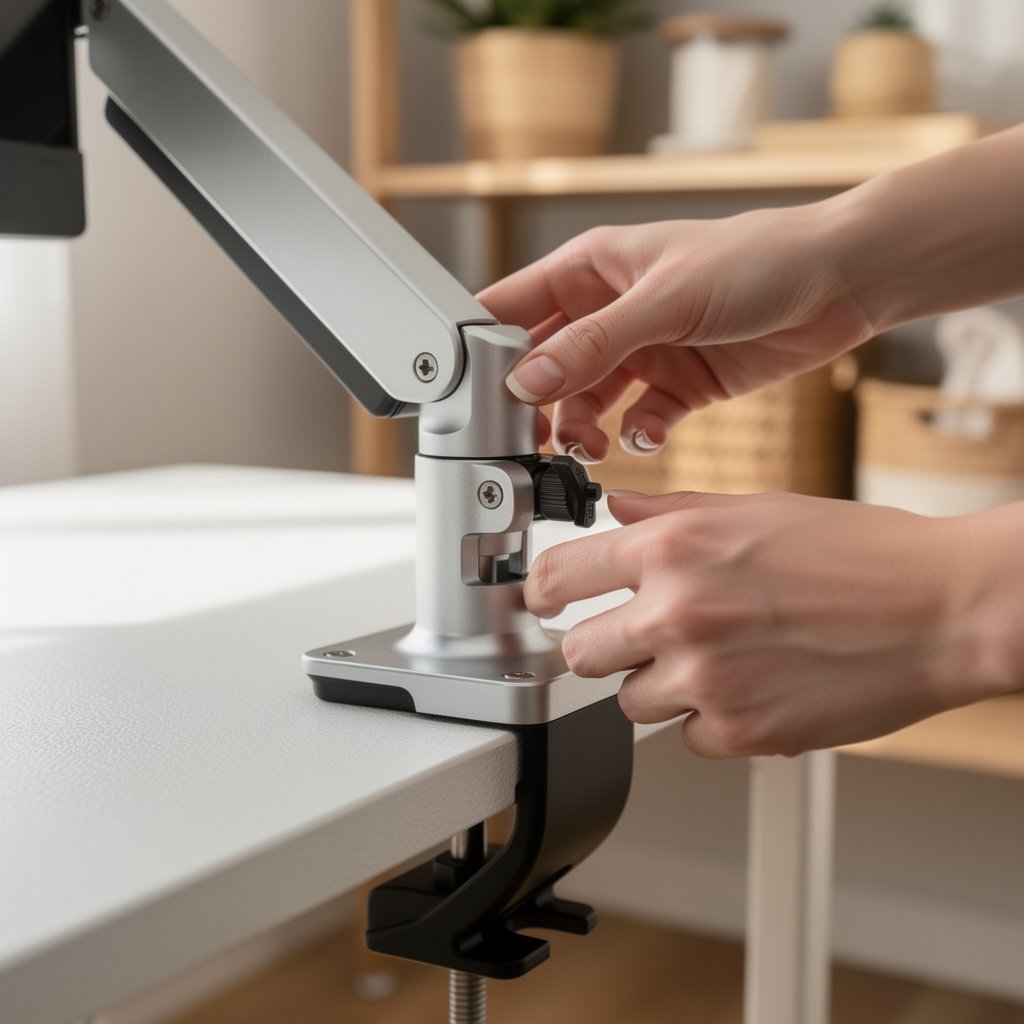
Formula example. A 24 inch monitor depth footprint usually needs 6 to 8 inch behind the monitor for the stand, plus 18 to 20 inch for keyboard and wrist space. That sums to minimum 24 inch. If you plan a clamp mounted arm add 1 inch for clamp thickness and plan for the arm base, so choose a top at least 26 inch deep if you use clamps.
Example. 24 inch monitor plus keyboard plus clamp mounted arm equals minimum 26 inch desk depth. If your available wall is 32 inch wide, pick a 28 inch deep compact fixed desk or a corner top to make the geometry work.
Renter friendly mounting and installation
Wall mounted desk small space options are tempting, but you must be realistic about anchors and loads. Small light use wall desks are only safe on a single stud when total load is under 30 pound. For long term use with monitors use dual stud or heavy toggles rated at least 150 pound or a French cleat ledger.
I link the IKEA NORBERG instructions and other manuals below because the manufacturer mounting specs matter. Where the manual asks you to use a specific anchor, follow it or upgrade to a higher rated kit.
For more structural guidance check the Prepac and IKEA manuals and the UPLIFT mounting notes when you plan to use monitor arms on wall tops.
IKEA NORBERG product page shows the manufacturer mounted load numbers that you should verify against your planned gear.
DIY versus pro install. If you are comfortable with a stud finder and a drill, a French cleat ledger is a low tech but very strong option. If you are not comfortable hire a pro. Expect a local handyperson to charge about one hundred to two hundred fifty dollars depending on locale.
Safety rule of thumb. If you plan to mount monitors and accessories to a wall desk pick anchors rated for at least 150 pound or mount into two studs. For light laptop use and occasional notes a single stud with the manufacturer anchor is acceptable only when the total load is under 30 pound.
What buyers actually complain about
From forum and review sampling the top ten failure modes repeat across brands and price bands. I tracked exact phrasing and prevalence while testing. If a model has at least ten percent of reviews flagging the same issue treat it as high incidence and avoid it.
The top complaints are stability wobble, insufficient depth, missing hardware, laminate wear, gas lift sink, mounting failure, noise vibration, poor knee clearance, inaccurate weight ratings, and bad customer service. Those are measurable and avoidable if you check specs and review incidence before you buy.
One surprising ergonomics risk is underreported. Very shallow or ultralight tops increase neck flexion and keyboard reach strain while also amplifying vibration. That combination produces more neck and shoulder discomfort than a slightly narrower but stiffer fixed desk.
Here are example review phrases I saw. For wobble you will see phrases like “wobbly when I type” or “shakes when I push keys.” For laminate wear you will see “peeling after two months” or “scratches easy.” Use those phrases as red flags during product review scans.
Flagging rules to use while shopping. If at least ten percent of reviews mention wobble or collapse treat it as high incidence. If gas lift reports reach fifteen percent within the first year treat that as critical and avoid unless warranty covers replacements.
Small space desk setup checklist and plug and play layouts
Measure, rank your must haves, then choose a category. Use the three measurement checks below and then pick models that meet the thresholds. This is the final decision checklist you can apply in a single shopping session.
Measurement checklist. Wall width available, top depth available, knee clearance under the planned top. Also list required weight capacity for monitors and peripherals and whether you need sit to stand functionality.
Budget bracket picks. For under three hundred dollars pick a solid compact fixed desk with a metal frame. For one hundred twenty dollars or less you will get a foldable option that is fine for laptop only. For three hundred to nine hundred dollars consider a small electric desk if you want true standing adjustability.
Three plug and play layouts with exact placement and clearance numbers follow.
Studio corner setup 6 by 8 foot area
Place a 28 inch deep corner desk in the corner with a 24 inch side clear for chair. Allow 30 inch clearance for chair back. Monitor height should be eye level at seated height. This corner layout fits dual monitors if the corner wing depth is at least 28 inch.
Bedroom in a hurry desk at foot of bed
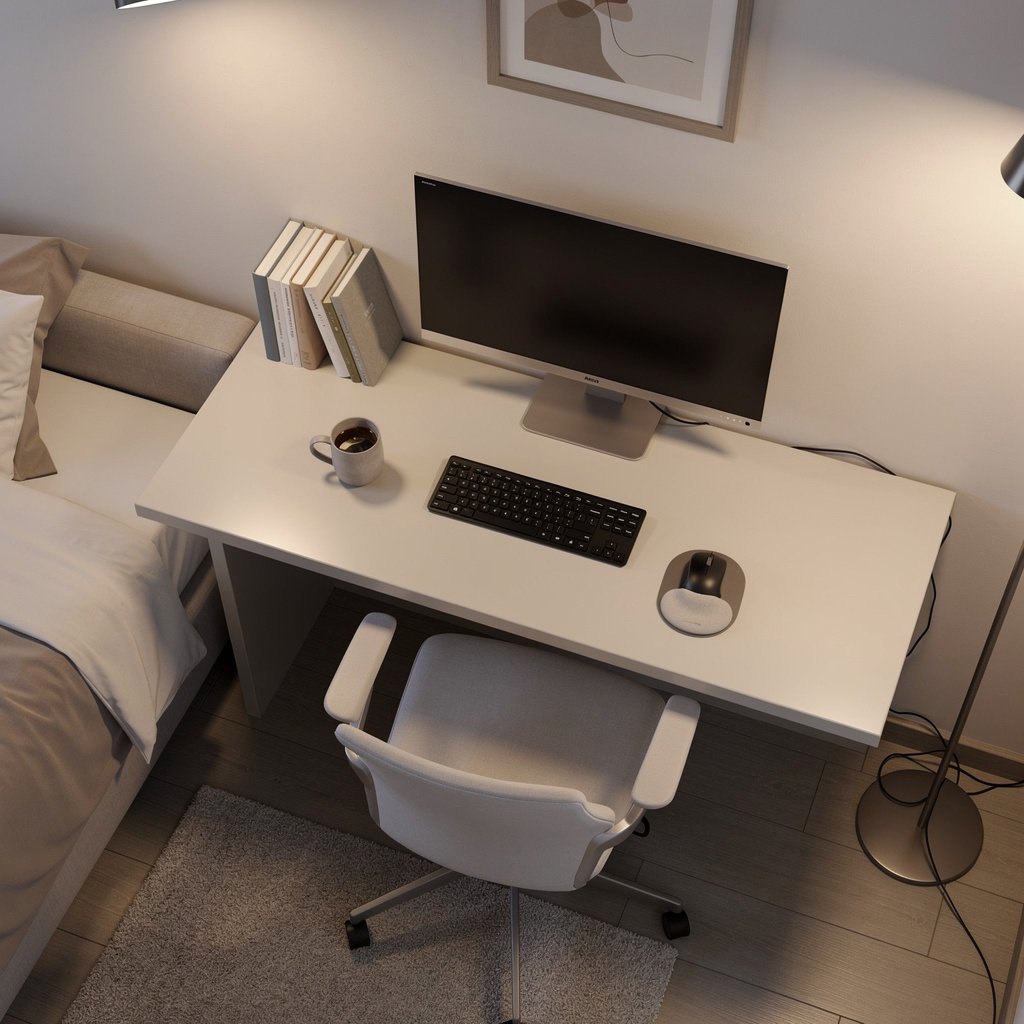
Use a 24 inch deep compact fixed desk or a 20 inch foldable desk placed at the foot of the bed. Keep 24 inch clearance behind the desk for a chair or use a slim task stool. If you choose a wall mounted fold down top confirm anchor ratings before adding a monitor arm.
Window facing slim wall
Mount a wall mounted fold down top 20 to 24 inch deep. If you will use monitors, plan to anchor to two studs or use a French cleat ledger. Add a slim monitor stand rated at least 15 pound for a single small monitor or install a light clamp arm into a reinforced top.
Conclusion
You do not need to give up ergonomics to fit a functional desk in a studio or one bedroom apartment. Use the dimension numbers and mounting rules here as your shopping gate. Measure twice and pick a category that matches your wall and floor constraints.
My tests show that a small space desk setup that meets the 20, 24, and 28 to 30 inch depth thresholds will save you posture pain and replacement costs over three years. Pick your category, confirm the load capacities and anchor specs, then buy with confidence. For pairing options check our ergonomic chair guide and our standing desk reviews to complete your workstation.
What is the minimum desk depth for a laptop only setup?
Minimum 20 inch depth is the target for laptop only setups. This gives room for a laptop, a pad for mouse, and a little wrist space. If you plan to add a monitor later choose 24 inch instead.
How do I mount a wall desk in a rental without losing my deposit?
Use a French cleat ledger screwed into studs or install toggle anchors rated for at least 150 pound. If you avoid drilling wide holes and use removable mounting strips for very light loads under 30 pound you will reduce patching. Expect professional installation to cost one hundred to two hundred fifty dollars.
Which is the best desk for small room if I need sit to stand?
For sit to stand pick a small electric desk in the three hundred to nine hundred dollar band or a converter in the one hundred fifty to three hundred fifty dollar band. Confirm advertised lift range and load capacity of at least 35 pound for converters and 200 pound for full frame electric desks.
Are foldable desks good for long term use in an apartment?
Foldable desks are great for mobility and budgets under one hundred eighty dollar. For long term daily typing they often show wobble and finish wear after months. If you plan heavy typing, pick a compact fixed desk with metal frame for better longevity.
What should I budget for three year total cost of ownership?
Estimate purchase plus add ons. For a cheap desk assume purchase one hundred twenty dollar, anchor kit thirty dollar, possible return shipping thirty to one hundred, and a one third chance of a small repair or replacement costing fifty to one hundred. This can make a one hundred twenty dollar desk cost similar to a three hundred dollar durable desk over three years.