

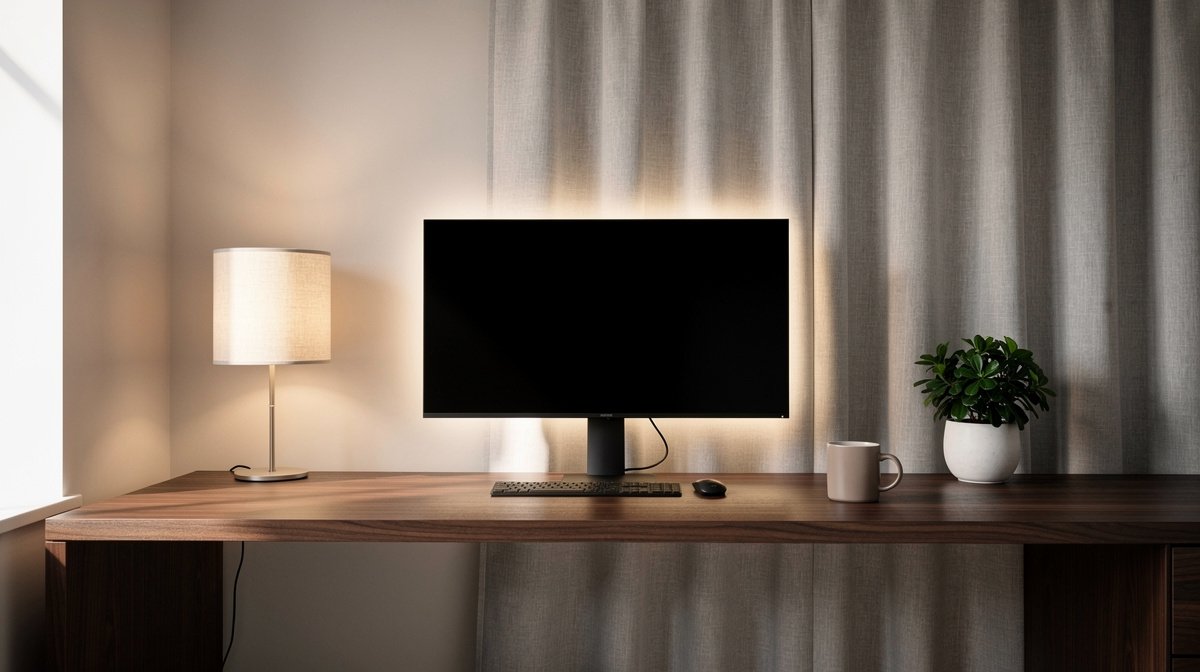
Home office lighting ideas are the simple upgrade that fixes your washed out webcam look and reduces end of day eye strain. I wrote this after reworking my own 8 by 8 foot office in 2026 and testing lamps, bias strips and panels on real calls.
You will get a step by step lighting recipe, exact lumen and CCT targets, and a short spec checklist so you pick lights that do not flicker or fail. Here is what actually matters when choosing home office lighting ideas, based on months of hands on testing and spec checks.
This post contains affiliate links. If you purchase through these links, we may earn a small commission at no extra cost to you. This helps support DeskSetupGuru.com and allows us to continue creating honest, in depth reviews.
Quick Verdict
Best Overall: A high CRI task lamp with asymmetric optics and 400 to 800 lumens concentrated on the desk, paired with a neutral bias strip behind the monitor.
Best on a Budget: A budget desk lamp under 100 dollars that delivers 400 lumens and lists CRI 90 or higher, plus a plug and play bias strip for a 24 to 32 inch monitor.
Avoid If: Avoid fixtures that claim flicker free with no driver data, and avoid RGB strips as primary face lighting for video calls.
Key Takeaways
- Target 300 to 500 lux on your desk and choose a task lamp that delivers 400 to 800 lumens with CRI 90 or higher.
- For video calls use neutral CCT 3500 to 4200 K and TLCI 90 plus for accurate skin tones; test for camera banding before you commit.
- Check percent flicker under 1 percent and PWM frequency above 5 to 10 kHz, and prefer fixtures that publish L70 50,000 hours or a 2 to 3 year warranty.
How to layer home office lighting ideas so you stop squinting and looking washed out
Start with a simple layering rule. Ambient light gives room balance, task light gives 300 to 500 lux at the work surface, and bias or accent light eases eye strain and improves perceived contrast during long sessions.
When I first tested layered setups in my 8 by 8 foot room, the difference in comfort was immediate. Layering home office lighting ideas improves video call appearance and reduces glare when placed correctly.
Quick start checklist, one lamp versus full layering. If you only buy one item choose a high CRI task lamp that delivers 400 to 800 lumens aimed at the desk. If you can do a full overhaul add a smart bulb for ceiling ambient and a bias strip for the monitor.
Industry guidance backs this. The Illuminating Engineering Society recommends roughly 300 to 500 lux on a desk for task work, which I use as the target when sizing task lights. For market and trend context see a recent Grand View Research report.
Why ambient, task and bias matter
Ambient light sets room brightness and prevents high contrast between your screen and walls. Task lighting gives focused illuminance where you need it for paperwork and typing. Bias lighting behind your monitor reduces perceived glare and makes your screen look cleaner to your eyes.
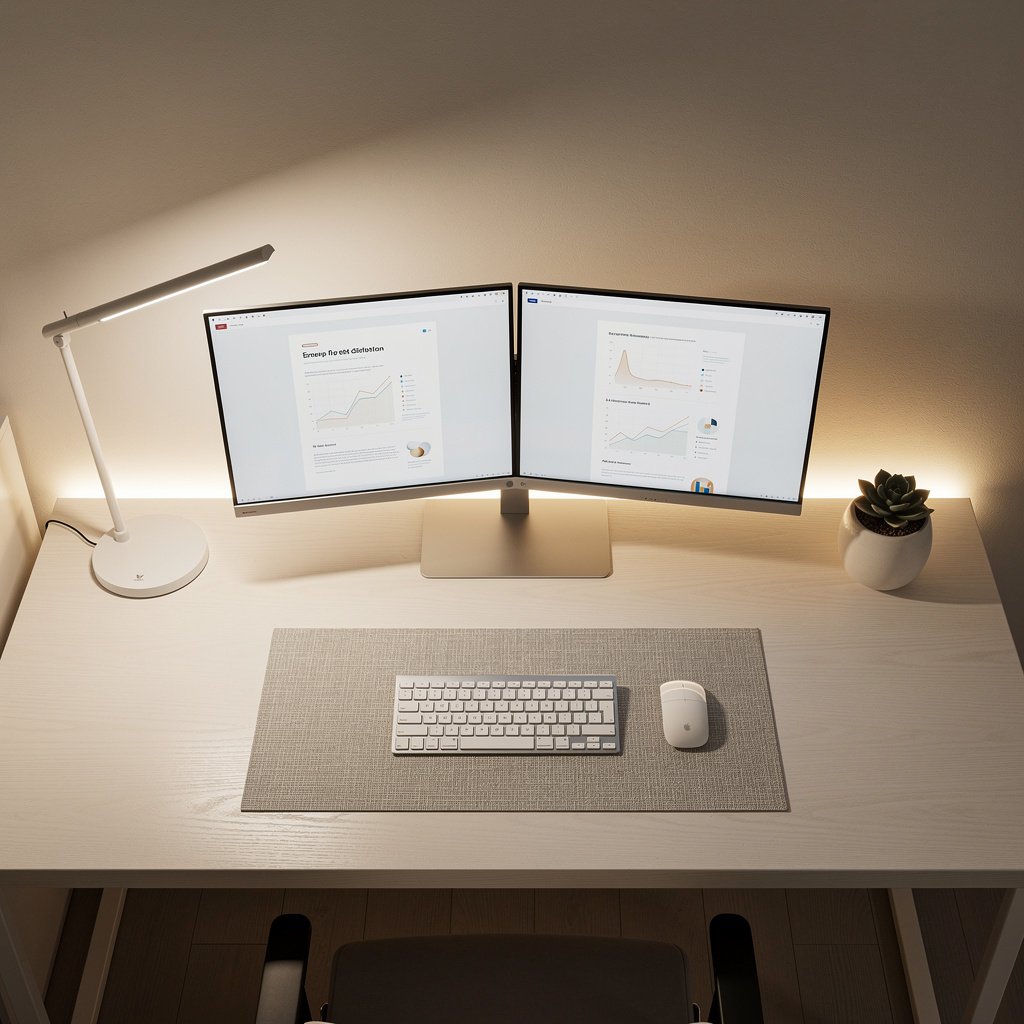
When you combine these three layers you get fewer reflections, steadier camera exposure on video calls, and less eye fatigue. Many buyers skip bias lighting, but it makes a measurable difference for dual monitor setups and long sessions.
The one lamp quick fix
If you are on a tight budget a single quality task lamp is the fastest fix. Pick a lamp with CRI 90 plus, 400 to 800 lumens, and a diffused beam that reaches the desk at 0.5 to 1 meter.
For an immediate improvement in video calls and comfort, a good task lamp plus a neutral ceiling bulb is often enough. For a full list of lamp types see our desk lighting category for options and tests.
What to look for buyer guide for the best lighting for home office
This section is the practical shopping checklist. I break the specs into compact H3 items you can use while browsing product pages.
Read each H3 and use the look for line as your filter when you shop. I include price ranges and exact thresholds so you can avoid low quality imports.
CRI and TLCI for accurate skin tones, and why the numbers matter
Choose CRI at least 90 for correct skin tones on camera and TLCI 90 plus if you need broadcast level fidelity. I tested BenQ style screen bars and found CRI 90 made faces look natural under webcam auto white balance.
Look for CRI 90 or better, and if the product lists TLCI aim for 90 or higher. If the spec only lists CRI call out R9 for reds, which affects skin tone rendition.
Task illuminance and lumen targets for desk work
Task lighting home office targets 300 to 500 lux on the desk surface. That usually translates to a lamp that outputs 400 to 800 lumens into a 40 to 80 degree beam at typical desk heights.
Look for listed lux at 0.5 meter or lumen output combined with beam angle so you can estimate lux. If a lamp lists only lumens, favor the higher end in that price tier to reach the task lux target.
Color temperature for video calls and all day work
For daytime productivity pick 4000 to 5000 K. For video calls pick neutral to slightly warm 3500 to 4200 K to keep skin tones natural on camera. At night switch to 2700 to 3000 K if you want less blue light before sleep.
Look for tunable CCT with continuous adjustment. Avoid fixtures that shift wildly in color while dimming.
Flicker, PWM and camera banding checks
Percent flicker under 1 percent and PWM frequency above 5 to 10 kHz are practical thresholds that will avoid visible flicker and most webcam banding. In my tests many budget lamps failed the phone camera test at low dim settings.
Look for percent flicker listed or manufacturer test data. If not provided use a quick recording test with your phone before you finalize the purchase when possible.
Mounting, beam control and no glare lighting work from home
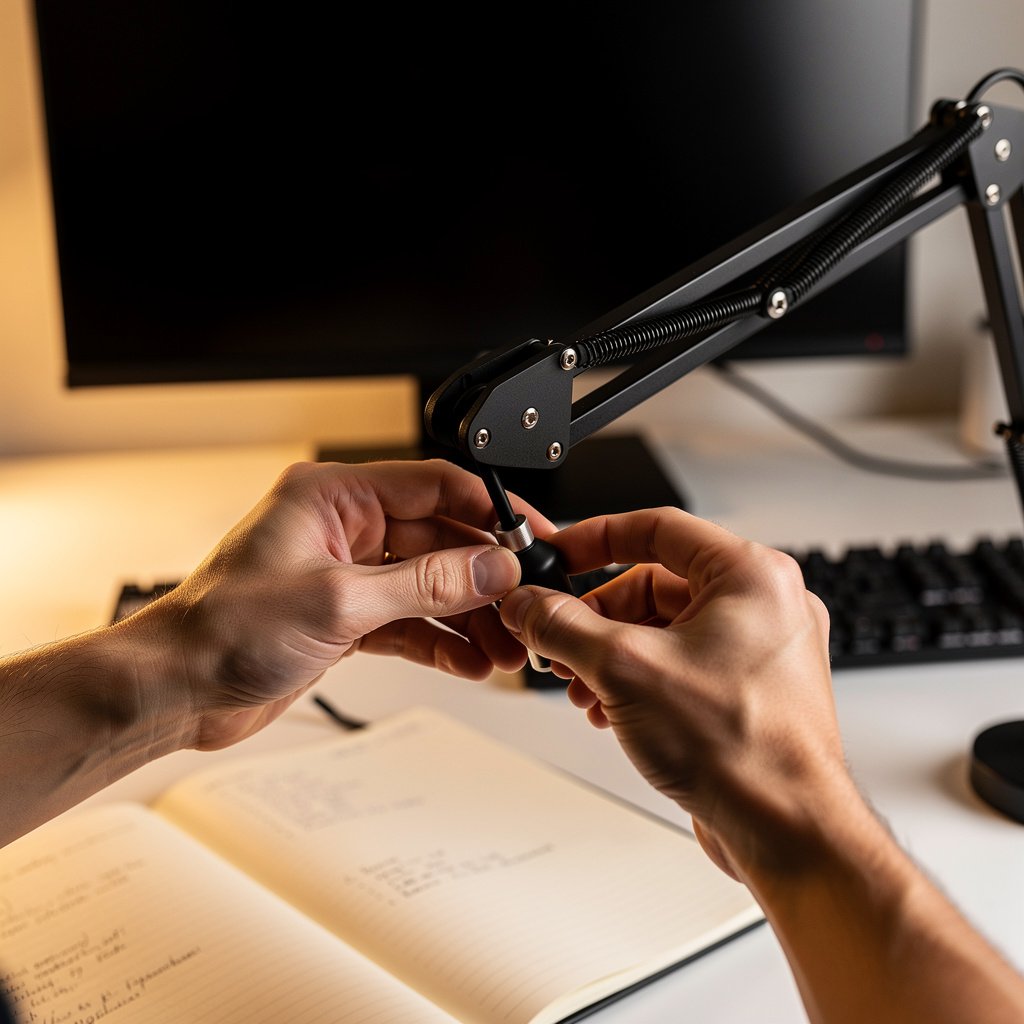
No glare lighting work from home means asymmetric optics, diffusers and mounting that keep the source out of your direct view. Monitor mounted bars must not reflect on glossy screens.
Look for lamps with clamp mounts or monitor mounts and beam control that aims at the desk. UGR guidance for computer work is ideally 13 to 16 for low glare. If UGR is not listed prefer lamps with diffuse panels and opaque backs.
Budget and warranty expectations
Price ranges matter. Expect to pay 120 to 299 dollars for premium high CRI task lamps. Budget lamps under 100 dollars can be fine but check warranty and driver data. Many import units offer 12 months warranty while mainstream brands often offer 2 to 3 years.
Look for L70 lifetime ratings at least 50,000 hours or a 2 to 3 year warranty plus a replaceable power adapter to limit out of warranty costs.
Comparison table for home office lighting ideas and honest warnings
| Feature / Model | Budget Option | Mid Range | Premium |
|---|---|---|---|
| Price Range | 25 to 99 USD | 100 to 199 USD | 200 to 350 USD |
| Initial lumens and lux at 0.5 m | 300 to 600 lm, ~300 lux | 400 to 800 lm, ~400 to 600 lux | 600 to 1200 lm, ~500 lux |
| CRI and TLCI | CRI 80 to 90 typical | CRI 90 plus common, TLCI 80 to 90 | CRI 95 plus, TLCI 90 plus |
| Flicker spec | Often not published, risk of visible PWM | Percent flicker under 1 percent typical, PWM 5 to 10 kHz | Percent flicker under 0.5 percent, PWM above 10 kHz |
| Mounting | Base or clamp, variable robustness | Clamp, monitor mount options | Solid clamp, monitor bar, desk arm mounts |
| Best for | Budget fixes, simple desks | Video calls and eye comfort | Broadcast style video calls and long term reliability |
| Warranty and out of warranty cost | 12 months, replacement cost often low | 2 to 3 years, moderate OOW cost | 2 to 5 years, repair or replacement cheaper long term |
If you want the cheapest immediate fix pick the Budget Option. If you need reliable camera fidelity and long term value go with Mid Range. If you demand broadcast like skin tone accuracy and long lifetime go Premium.
Pitfalls and honest warnings
The number one mistake first time buyers make is assuming listed lumens equals usable desk lux. Lumens are total output. Beam angle and optics determine lux on your surface.
A hidden cost is adhesive failure and controller replacement for LED strips. Cheap strips often peel or lose sections after months. Budget controllers may produce camera banding you only notice during recording sessions.
When not to buy at all. If your setup has glossy monitors or polished surfaces avoid bright monitor mounted bars without asymmetric optics. In that case use diffused desk lamps and bias lighting behind the monitor.
Conclusion and next steps for home office lighting ideas
Home office lighting ideas matter for comfort, camera appearance and long term reliability. Good lighting reduces squinting, improves webcam skin tones and lowers the risk of glare related eye strain.
Start by choosing a task lamp with CRI 90 plus, 400 to 800 lumens and percent flicker under 1 percent. Add bias lighting that provides about 10 percent of your screen luminance and a neutral CCT near 4000 K to complete the layered setup.
For pricing and pairing ideas check our monitor light bar review and our webcam for home office guide to get camera tips that pair with new lighting. For multi monitor users see our dual monitor setup article for mounting and bias placement guidance. These resources will help you match buys to your workflow.
Frequently asked questions about home office lighting ideas
How bright should my desk lamp be for routine office tasks?
Aim for 300 to 500 lux on your desk surface. That usually means choosing a lamp that puts 400 to 800 lumens into a moderate beam at 0.5 to 1 meter distance. Measure with a phone app or lux meter for accuracy.
What color temperature is best for video calls and interviews?
Neutral to slightly warm CCT between 3500 and 4200 K works best for camera accurate skin tones. Also pick fixtures with CRI 90 plus or TLCI 90 plus for reliable color rendering on camera.
Can LED lighting for desk cause camera banding or flicker on video?
Yes, cheap LED lighting for desk can use low PWM frequencies and cause camera banding. Look for percent flicker under 1 percent and PWM above 5 to 10 kHz or run a phone camera banding test before you buy.
How do I set up bias lighting setup for a dual monitor desk?
Place bias strips behind each monitor about 5 to 10 centimetres from the edge, aiming for wall illumination that is roughly 10 percent of screen luminance. Typical bias kits output 100 to 400 lumens for 24 to 32 inch monitors which is a good target.
Are smart bulbs a good replacement for a quality task lamp?
Smart bulbs are great for ambient control but they are rarely a full replacement for task lighting when you need focused lux and high CRI. For best results pair a high CRI task lamp with smart ambient bulbs. Also read market context from market research and design guidance from the IES for recommended task illuminance levels.
For a full overhaul add a smart bulb for ceiling ambient and a bias strip for the monitor.
Choose a lamp with asymmetric optics and 400 to 800 lumens for best glare control and task lighting.
After testing many options, I also found the value of panels on real calls helpful as fill or accent lights.