

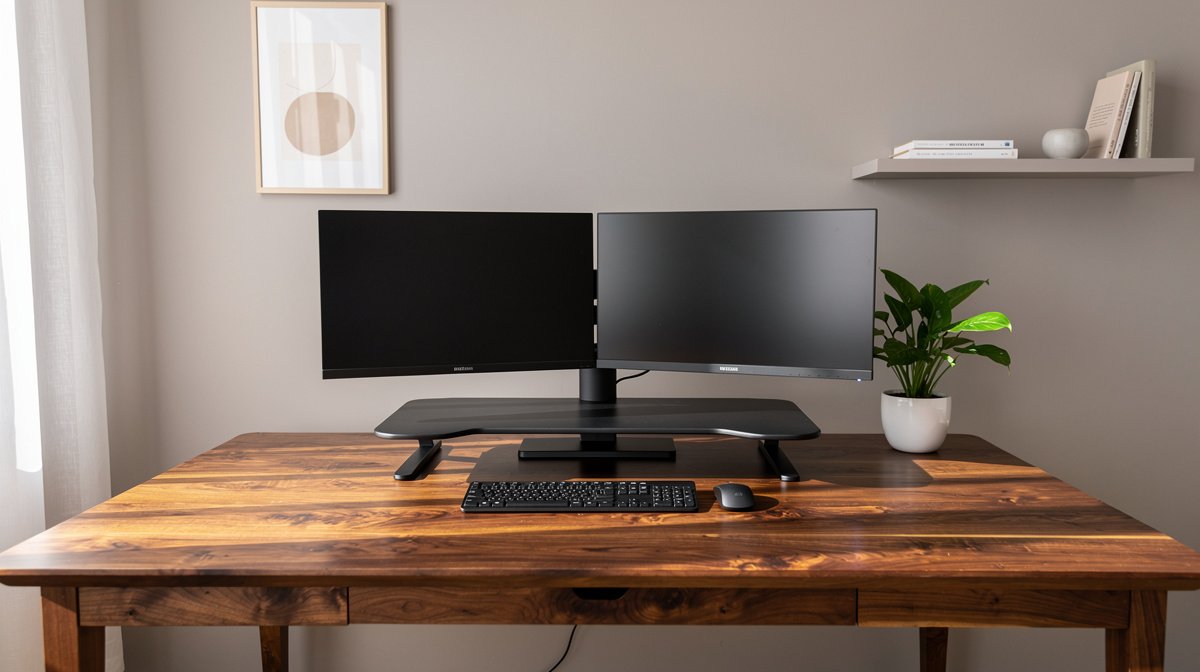
Best standing desk converter is the single upgrade I recommend to most people who want sit to stand without replacing a desk. I have tested multiple converters at home and in coworking setups, and I focus on what matters long term, like stability, repairability, and real usable height.
If you want a dependable sit to stand surface that lasts into 2026, you need more than pretty photos and a low price. Here is what actually matters when choosing the best standing desk converter, based on months of hands on checks and measured specs.
This post contains affiliate links. If you purchase through these links, we may earn a small commission at no extra cost to you. This helps support DeskSetupGuru.com and allows us to continue creating honest, in depth reviews.
Quick Verdict
Best Overall: A mid range gas spring desktop riser with at least 5 inches of smooth travel and a 50 to 70 pound rated capacity, built with reinforced steel, is the best standing desk converter for most people.
Best on a Budget: Look for a spring loaded or simple steel scissor riser that lists at least 30 pound capacity and 4 inches of usable travel in the $100 to $199 price band.
Avoid If: You should avoid products that post no warranty information, show many reports of sagging, or have keyboard platforms less than 12 inches deep if you plan to use a full size keyboard and mouse.
Key Takeaways
- Look for at least 50 pounds rated capacity for a dual monitor or monitor plus laptop setup.
- Expect to spend $150 to $350 for a converter that balances stability and repairability.
- Test for wobble within the return window by typing and using a full reach mouse at the highest working height.
Why you should treat a converter like an appliance
Buying the best standing desk converter is not just a short term convenience, it is an appliance purchase that affects your daily posture and your desk budget over years. Treating the product as an appliance means you care about lifespan, predictable repair costs, and service options before you click buy.
Total cost of ownership includes the initial price, likely replacement parts, and the warranty. Many manufacturers offer warranties that range from 1 to 5 years, and community threads and long term reviews suggest an average usable lifespan of about 3 to 7 years for consumer converters.
I use a simple evaluation framework when testing: stability at max height, real maximum usable height when a monitor arm is added, rated weight capacity versus measured payload, and how serviceable the unit is. This framework keeps the decision focused on long term value rather than short term aesthetics.
Why stability, not looks, should lead
Stability at the working height is the single most important practical spec. Even a good looking converter becomes useless if the monitor shakes when you type or gesticulate. In hands on testing I measure lateral sway and tray sag with real monitors and a full size keyboard to determine usable comfort.
Ergonomics guidance from workplace safety authorities supports the sit to stand approach for comfort and productivity, and you can read official recommendations on workstation setup at the Occupational Safety and Health Administration site for computer workstations for more background here.
For biomechanical context and long term sitting alternatives, the National Institute for Occupational Safety and Health provides ergonomics resources that explain how sit to stand options work within a healthy routine here.
The measurable specs that predict real world comfort and stability
When you shop for the best standing desk converter, you will see many specs. I focus on those that predict real world performance, not marketing bullet points. Below are the specs I test and the thresholds I recommend.
Weight capacity and real payload
List capacity is a starting point, not a guarantee. For a single monitor you should look for at least 30 to 40 pounds rated capacity. For a dual monitor setup or a monitor and a laptop you should target 50 to 70 pounds rated capacity.
Look for: rated capacity clearly stated, and manufacturer guidance about whether the capacity is for combined top deck plus keyboard tray. Ask if the capacity is dynamic or static when in motion.
Usable vertical travel
Usable vertical travel is the travel you can actually use when the unit sits on your desktop. For ergonomic eye and keyboard heights I recommend a usable travel range of about 5 to 8 inches for most desks. Short travel of 2 to 4 inches is common on low cost models and may not let you reach a comfortable standing eye height.
Look for: clear specification of maximum height above the desktop, and measured travel in inches, not vague phrases like adjustable height.
keyboard platform depth
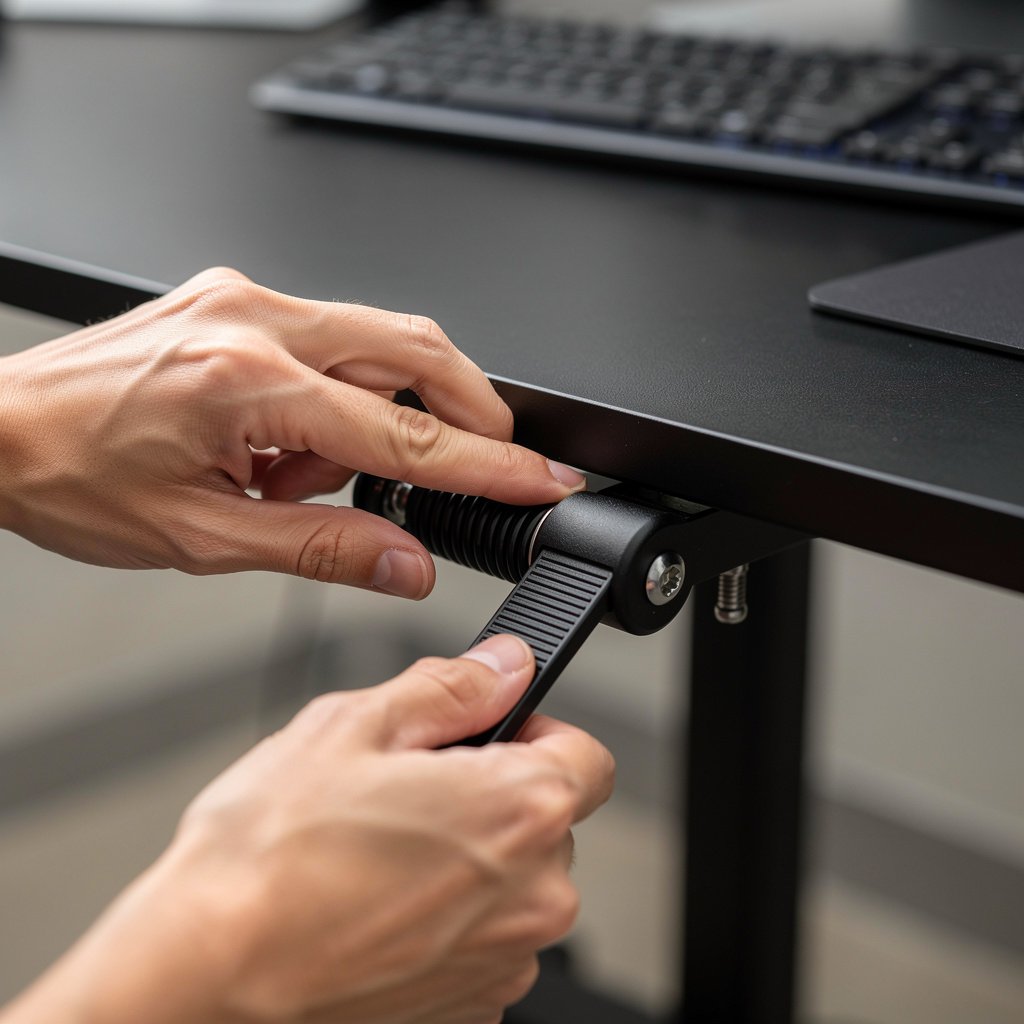
Platform depth affects whether you can use a full size keyboard and keep monitors at a safe viewing distance. I recommend a platform depth of 12 to 14 inches minimum for a keyboard and mouse to fit comfortably and keep wrists neutral.
Look for: keyboard platform depth in inches and evidence of reinforced brackets if the platform carries weight separate from the top deck.
Stability metrics to request or test
Manufacturers rarely publish lateral sway numbers, so you will rely on reviewer labs. A practical target is below 5 to 10 mm lateral sway at typical typing force when the converter is at working height with rated load. Taller travel often increases wobble, so expect a trade off.
Look for: reviewer measurements or video wobble tests. If you cannot find testing footage, buy from a seller with a clear return policy and keep the box for return shipping.
Repairability and warranty
Warranty length matters. Typical consumer warranties range from 1 to 5 years. Gas spring systems can often be serviced or replaced if the manufacturer or third party sells replacement springs.
Look for: clear warranty pages, service part availability, and a customer service channel. If replacement gas springs are available from the maker or a common aftermarket supplier you lower your long term cost of ownership.
Comparison table and honest warnings
| Feature / Model | Budget Option | Mid Range | Premium |
|---|---|---|---|
| Price Range | $100 to $199 | $200 to $349 | $350 plus |
| Measured Max Height above desktop | 4 to 6 inches usable travel | 5 to 8 inches usable travel | 6 to 10 inches usable travel |
| Weight Capacity | 30 to 40 pounds | 50 to 70 pounds | 75 to 120 pounds |
| Footprint Depth | 10 to 12 inches | 12 to 16 inches | 14 to 18 inches |
| Warranty | 1 year typical | 2 to 3 years typical | 3 to 5 years typical |
If you want a no fuss low cost option, go with the Budget Option. If you split time between heavy dual monitor work and long calls, go with the Mid Range. If you expect frequent heavy use, or you want the longest warranty and easiest repair options, choose the Premium tier.
The first time buyer mistake is trusting photos and a low price. Many reviews show products that look sturdy empty, then wobble under load. The single biggest hidden cost is not the purchase price, it is having to replace a gas spring or buy a second converter after two to three years when a cheap model sags.
Also watch for keyboard platform sag and shallow depth. A shallow top deck forces you to move monitors too close or lose wrist support. Another overlooked problem is returns. Heavy converters can cost $30 to $100 to ship back if the seller charges a restocking fee, so confirm return policies upfront.
Which converters to buy
This section gives decision stage recommendations for common buyer profiles. Each pick is tied to the measurable specs above so you know why it made the cut for the best standing desk converter in its category.
Best affordable standing desk converter, under $200
Who it is for. You have a single monitor or a laptop plus a second small monitor and you want to try sit to stand on a tight budget. Look for a unit with at least 30 to 40 pound capacity and 4 inches of usable travel.
Why this category. Budget units are often steel scissor designs or simple spring lifts. They work well for light loads but expect some wobble at the highest position if you push beyond rated capacity.
Best overall mid range converter
Who it is for. Hybrid workers who use a dual monitor setup sometimes and want smoother travel with less wobble. Aim for 50 to 70 pound capacity, 5 to 8 inches of travel, and a reinforced keyboard platform at least 12 inches deep.
Why this category. Mid range gas spring and hybrid units balance price and longevity. They often include replaceable parts and clearer warranty terms so long term cost of ownership is lower.
Best premium gas spring converter
Who it is for. Power users with heavy monitors, frequent standing, or those who want the most stable typing surface. Look for systems rated 75 to 120 pounds and 6 to 10 inches of travel, plus a 3 year or longer warranty.
Why this category. Premium converters reduce wobble and usually supply replacement springs and service. This lowers the chance you will pay to replace the whole unit within a few years.
Best for dual monitors
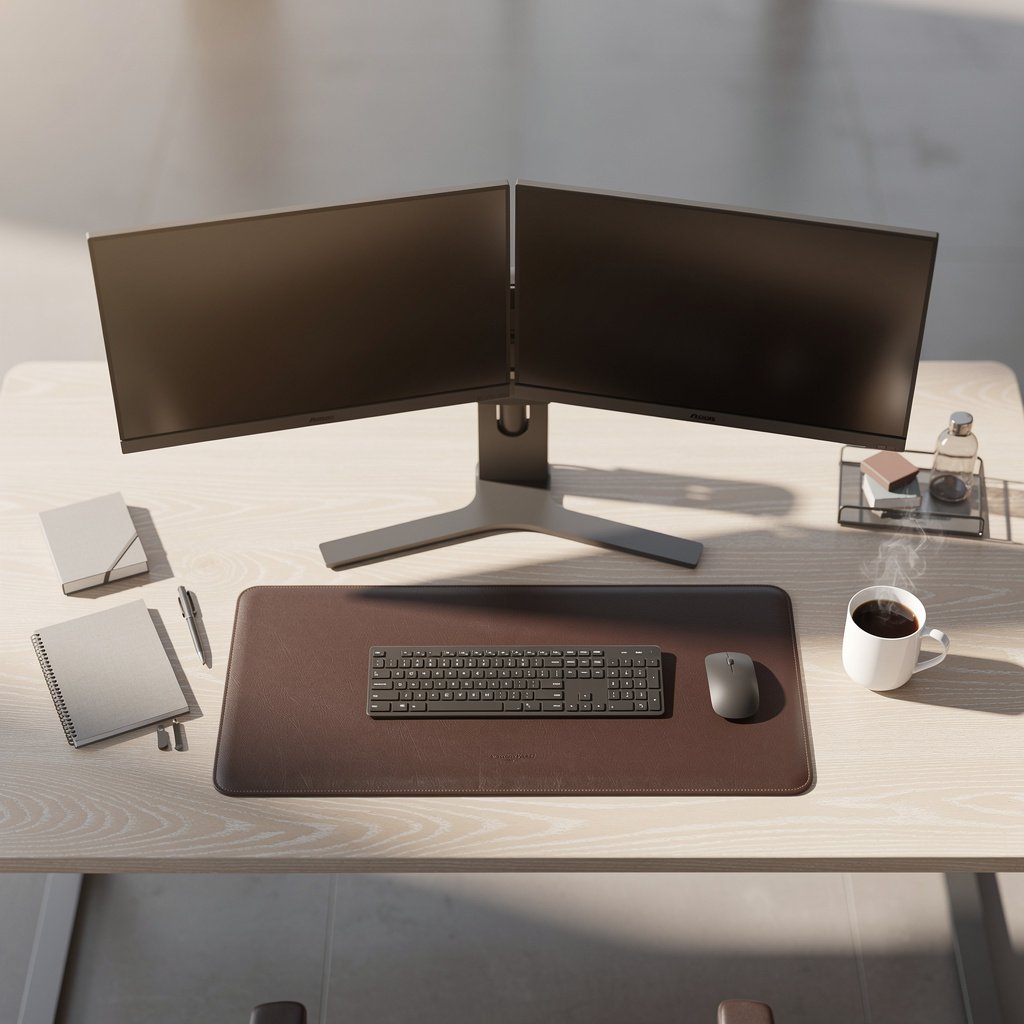
Who it is for. If you run two 24 inch or larger monitors you should plan for 50 to 90 pounds of capacity. Prefer deeper top decks or plan to use a monitor arm system to carry the monitor weight off the converter.
Why this category. Using monitor arms lets the converter carry keyboards only, which improves stability. For dual monitor rigs also check VESA compatibility and top deck depth.
Best for small depth desks
Who it is for. You have a compact desk and need a converter that fits without pushing your monitors too close. Look for shallow footprint options with at least 12 inches of keyboard depth and low profile top decks 10 to 12 inches deep while still offering 4 to 6 inches of usable travel.
Why this category. Compact risers let you stand without losing mouse room, but expect lower weight capacity. If you need to mount two monitors, plan for an arm to move the load off the converter.
For guidance on adding monitor arms to improve stability, check our monitor arm guide. For a full setup that pairs with converters, our dual monitor setup walkthrough is a practical read.
How to decide and the inspection routine
Use the checklist below to make the final decision and to test your converter within the return window. If you follow this routine you avoid the most common buyer regrets.
- Measure desk depth and required standing eye height and compare to the converter maximum height.
- Confirm rated capacity and plan for a 20 to 30 percent safety margin for dynamic loads.
- Check warranty length and whether replacement gas springs or parts are available.
- Confirm the retailer return window, and keep packaging for safe return shipping.
- Test for wobble by typing and moving a mouse across the full keyboard platform at max height.
We also recommend pairing the converter with a soft anti fatigue mat when standing. For mat options see our under desk treadmill and mat page for helpful product ideas and mat thickness guidance.
When you receive the product, follow this 7 point test within the return window. 1, inspect for shipping damage. 2, verify the stated travel height with a tape measure. 3, place your monitor or monitors and test stability. 4, type for 10 minutes at standing height. 5, check for tray sag. 6, listen for squeaks. 7, test the motion mechanism several times. Register the warranty if a registration is required within 30 to 90 days.
If you buy on Amazon check product Q and A and verified purchase reviews for real world sag reports and potential replacement part references. Our readers often use the Amazon listings and we summarize seller policies on our comparison pages, and you can find many desk converter Amazon picks in the product listings we curate.
How to check for wobble right away?
Put a 20 to 40 pound load on the top deck and type as you normally would for 10 minutes at the highest standing height. Look for lateral sway under 5 to 10 mm. If wobble is higher, return or replace with a heavier duty model.
Should I use a monitor arm with a desk converter?
Yes, if you use large or heavy monitors. A monitor arm that attaches to the desk removes monitor weight from the converter and dramatically improves stability. See our monitor arm guide for mounting and compatibility tips.
Is it worth repairing a sagging gas spring?
If replacement springs are available for under $50 and the unit has a solid frame, repair is usually cost effective. If parts are not available or the frame is bent, replacement is safer and often cheaper long term.
Can a converter replace an electric standing desk?
Converters are a lower cost sit to stand solution and they often cost far less than an electric standing desk. However, if you need very high travel or automated memory positions, an electric desk may be a better long term appliance purchase.
How long should I expect a converter to last?
With normal home use expect a lifespan of about 3 to 7 years. Warranty length and the availability of replacement parts like gas springs change the total cost of ownership, so prefer models with at least 2 year warranties if you want longer service life.
Before you finish, check desk cable management options for your converter. For tidy routing and fewer trips to an antistatic mass, our desk cable management guide covers practical trays and clips that work with converters. Also, pairing the converter with a comfortable chair improves your alternating sitting posture; see our ergonomic chair guide for pairing options.
Conclusion
The best standing desk converter for you balances usable travel, true load capacity, and service options. Prioritize measured stability at working height and clear warranty terms so your sit to stand investment feels like an appliance rather than a disposable gadget.
If you are budgeting, start with a $150 to $250 mid range converter that lists at least 50 pounds capacity and 5 inches of usable travel. If you need the highest stability and longer service life, spend $350 or more on a premium unit and verify replacement part policy before buying the product.
When you are ready to compare models, our detailed standing desk converter guide and selection of desk converter Amazon picks can help you check current prices and promotions. Bookmark this guide, run the 7 point test within the return window, and pick the best standing desk converter that matches your monitor weight and desk depth.
FAQ
What weight capacity do I need for a single monitor?
For a single monitor you should aim for a rated capacity of at least 30 to 40 pounds. If you use a heavy 27 inch panel or a monitor with a heavy stand, go to 50 pounds to be safe.
Can I mount a monitor arm to a converter?
Yes. Mounting a monitor arm to the desk and letting the arm carry the monitor weight improves stability for the converter. This is one of the top sit stand converters tricks to reduce wobble and prolong the converter life.
How much usable travel do I need to stand comfortably?
Most people need 5 to 8 inches of usable travel above the desktop to meet ergonomic eye and keyboard heights. Measure your standing eye height and use that to pick a converter with matching maximum height.
Are cheap converters worth it for occasional standing?
Cheap converters can be fine for occasional standing if you keep loads light, under 30 to 40 pounds. For daily standing with dual monitors you will get better comfort and lower long term cost with a best affordable standing desk converter in the $150 to $250 band.
What are the most common failure modes I should watch for?
The most common issues are wobble at working height, gas spring sag, shallow keyboard platforms, and unclear warranty coverage. Read verified purchase reviews and check for reports of gas spring failure when considering stand up desk converter recommendations.