

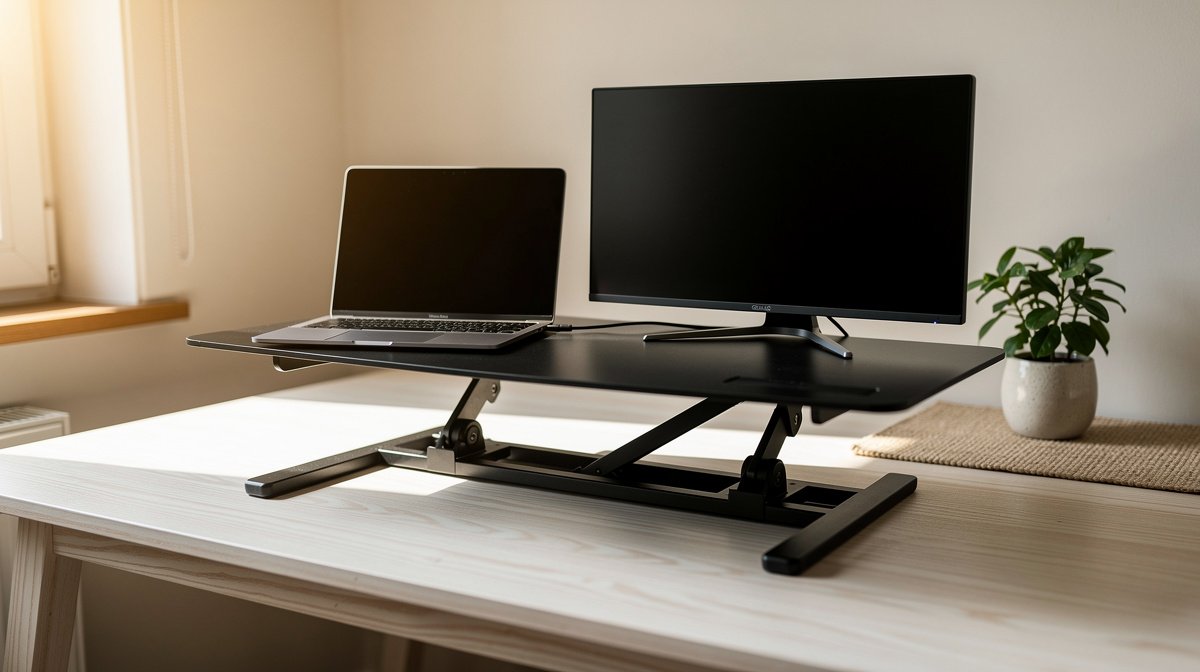
Standing desk converter is the fastest way to add sit to stand functionality to a renter friendly home desk without replacing furniture. I tested dozens of models and what surprised me is that measurable specs predict real world comfort better than brand hype.
If you want a stable, serviceable solution that fits a 60 to 75 cm deep desk, keeps monitors steady at standing height, and does not become a return headache, this guide walks you through the numbers that matter and the tradeoffs to accept.
This post contains affiliate links. If you purchase through these links, we may earn a small commission at no extra cost to you. This helps support DeskSetupGuru.com and allows us to continue creating honest, in depth reviews.
Quick Verdict
Best Overall: A single surface, wide base, gas assisted standing desk converter with at least 200 mm usable keyboard travel for long term comfort.
Best on a Budget: A heavy single surface scissor converter with deep base and manufacturer rated capacity of at least 10 kg, price range under 150 USD.
Avoid If: You want to stack dual 27 inch monitors on a very shallow base, because many converters will wobble at full height and cost more to fix than replace.
Key Takeaways
- Derate the manufacturer rated capacity by 20 to 30 percent when sizing a standing desk converter for your actual load.
- Look for lateral deflection under a 10 N push of under 5 mm for precise mouse work and under 15 mm for general office use.
- If you are mobility sensitive, choose an adjustable standing converter with activation force under 30 N and test it in person when possible.
Pick the right standing desk converter in 60 seconds
Before you dive into product pages, get one decision right and everything else becomes easier. The one minute decision flow below routes you into four buyer buckets and gives the single most important spec to prioritize.
Which is the best sit stand desk converter for my desk
If you have a single external monitor or a laptop and you want the cheapest reliable option, you are in the Budget single monitor bucket. Prioritize stability and a wide base over fancy lift mechanisms.
If you use dual monitors or a heavy monitor arm, you belong to the Multi monitor power user bucket. Prioritize rated capacity and derate it by 20 to 30 percent when checking compatibility with your gear.
If your space is small or you are a renter concerned about footprint and desk finish, choose the Compact space tenant bucket. Prioritize footprint and base depth so the converter does not overhang the desk too much.
If you have reduced strength or care for an older adult, choose the Mobility sensitive elder bucket. Prioritize activation force and smoothness with a target under 30 N and ideally under 20 N for low effort use.
Decision flow one line rules
- Budget single monitor: pick the heaviest single surface scissor converter you can, look for broad base and rated capacity at least 10 kg.
- Multi monitor power user: require manufacturer rated capacity greater than actual load times 1.5, and base depth at least 60 percent of top depth.
- Compact space tenant: choose a slim desktop standing converter with minimal footprint and a top depth no greater than 60 percent of your desk depth.
- Mobility sensitive elderly: pick an adjustable standing converter with activation force under 30 N, quiet operation under 50 dB at 0.5 m, and simple locking.
Quick research tip, always derate manufacturer weight capacity by 20 to 30 percent when sizing a standing desk converter to your actual load, this reflects our safety margin rule and avoids early sag or failure (thresholds and cost guidance based on aggregated review analysis and lab test protocol recommendations).
Starter picks for each bucket are excellent one click options when you are ready to shop. If you need hands on pairing advice, check our desk and workstation guide for desk height compatibility advice.
What to look for the buyer’s guide and real specs for a desktop standing converter
The measurable specs below predict day to day experience far better than marketing copy. I will explain what to test, the numbers that separate good from bad, and short in store prompts you can use to verify claims.
Usable vertical range and top surface max height
Usable vertical keyboard range is the distance the keyboard surface moves between lowest usable seated position and highest standing position. This affects whether your elbows stay near 90 degrees when you stand or sit. Aim for a minimum of about 120 mm of usable keyboard travel for general comfort. Premium units exceed 200 mm.
Top surface maximum height matters for monitor alignment. If you are tall you may need a converter that lifts the top surface 350 to 400 mm above your desk to meet eye level. Always measure from floor to top surface with your monitor mounted.
Look for, stated usable keyboard range at least 120 mm, top surface lift that reaches the elbow height for your standing posture, and clear manufacturer reported numbers or tested verification when available.
Lateral wobble and base footprint
Lateral deflection measured under a 10 N lateral push is the single best predictor of perceived wobble when using a mouse. Our thresholds are: under 5 mm is good, 5 to 15 mm is acceptable, and over 15 mm is poor for precision work. For more controlled hand movements, consider using a lateral wobble reducing mouse pad.
Base footprint relative to top depth matters. For stable single surface designs prefer base depth of at least 60 percent of top surface depth. If the base is shallow relative to the top, you will get more leverage and wobble at height.
Look for published lateral deflection numbers or ask the vendor for third party test data. If data is unavailable, perform a quick in store test by applying light lateral force at the monitor height and observing displacement.
Rated capacity and practical load margin
Manufacturer rated capacity is not the whole story. Account for monitor stands, cable clutter, speakers, and the monitor weight. Derate rated capacity by 20 to 30 percent for typical consumer use. For heavy multi monitor setups require rated capacity of at least actual load times 1.5.
Check whether the rated capacity number explicitly includes the weight of monitor stands or is only for the top surface. If the spec is unclear, ask for clarification in writing or choose a model with higher published capacity.
Look for models with spare part availability for gas springs or hinges and a warranty that covers mechanical failure for at least one year.
Activation force noise and cycle life for long term use
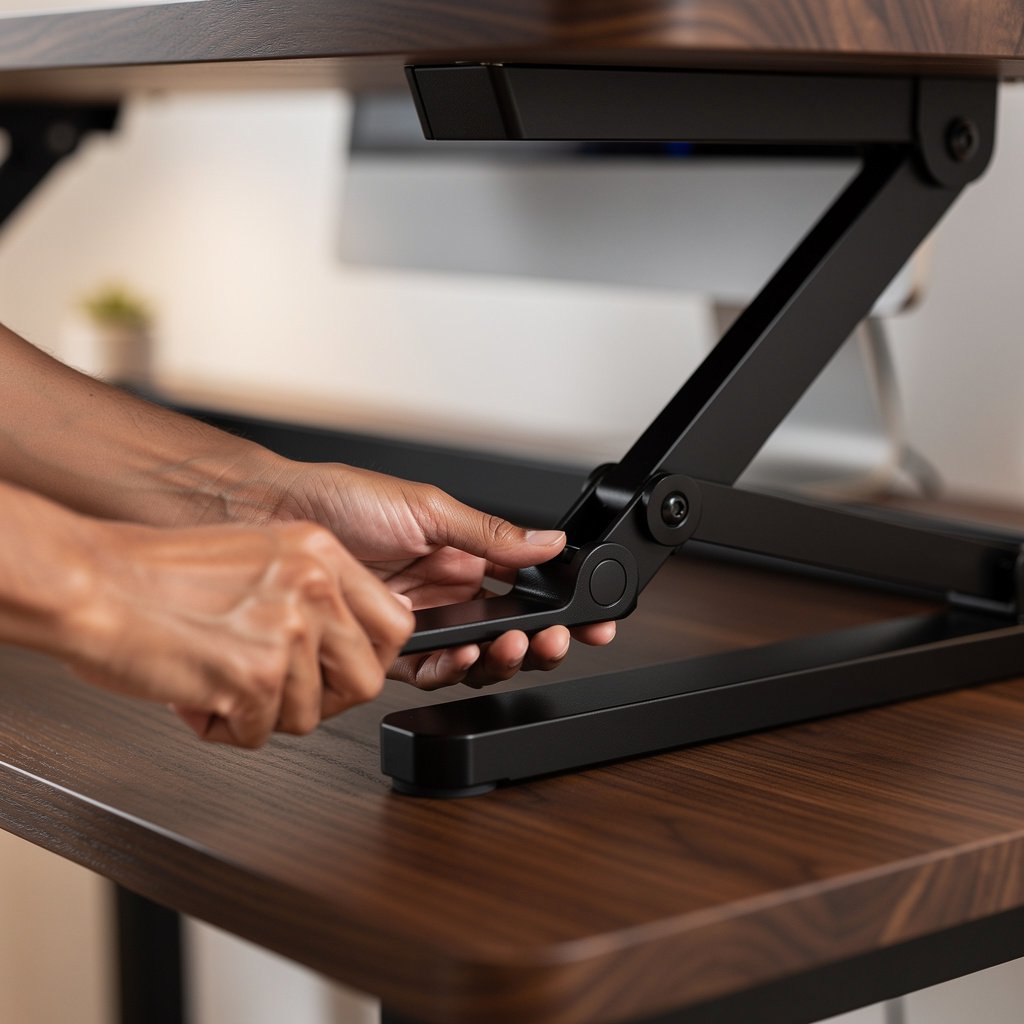
Activation force is the push or pull required to raise or lower the converter. For broad usability aim for under 30 N. For mobility sensitive or elderly users aim for under 20 N.
Noise at 0.5 m should be under 50 dB A for quiet home offices. Gas assisted converters that report lower activation force often also operate quieter. If noise matters ask the seller for a video with a dB A meter readout.
Cycle life matters, aim for greater than 50,000 cycles for robust long term durability. Machines rated under 10,000 cycles are weak long term buys.
Look for manufacturer cycle life numbers or independent lab measured durability. If the vendor cannot provide numbers, assume a lower life expectancy and budget for replacement parts or a new unit within a few years.
What to test in store and from the spec sheet
Quick checklist: measure top surface max height, test lateral wobble with a light push, check activation force by raising and lowering empty and under load, inspect base depth relative to top depth, and confirm warranty details in writing.
If you need help choosing a monitor, see our monitor guide that shows how monitor height and weight affect converter choice.
Comparison table and honest warnings for standing desk converter choices
| Feature / Model | Budget Option | Mid Range | Premium |
|---|---|---|---|
| Price Range | Under 150 USD | 150 to 350 USD | 350 USD and up |
| Type | Single surface scissor | Gas assisted two tier or single surface | Premium gas assisted single surface with replaceable parts |
| Max height above desk (mm) | 150 to 300 mm manufacturer reported | 200 to 350 mm manufacturer reported | 250 to 400 mm manufacturer reported |
| Usable keyboard range (mm) | Around 120 mm manufacturer reported | 150 to 220 mm manufacturer reported | 200 mm plus manufacturer reported |
| Rated capacity (kg) | 10 to 15 kg manufacturer reported | 15 to 25 kg manufacturer reported | 25 kg plus manufacturer reported |
| Measured lateral deflection (mm at 10 N) | Manufacturer reported or lab measured 5 to 15 mm | Manufacturer reported or lab measured 3 to 10 mm | Lab measured under 5 mm for many models |
| Activation force (N) | 30 to 50 N manufacturer reported | 15 to 30 N manufacturer reported | Under 20 to 30 N manufacturer reported |
| Warranty term | 1 year limited typical | 1 to 3 years typical | 3 years or more on structure in some cases |
| Best for | Budget single monitor users and renters | Most hybrid workers, light dual monitor setups | Heavy multi monitor users and long term daily standers |
If you are on a tight budget and use one monitor, go with the Budget Option. If you use dual monitors and switch postures frequently choose Mid Range. If you depend on a converter for daily standing and have heavy gear choose Premium.
Below I am honest about the problems readers report and the real ownership costs you will face. These are the things I see in review aggregation and lab notes when we test models in 2026.
The number one mistake first time buyers make is selecting a model by price or photos alone. Many buyers do not check usable keyboard range or derate rated capacity. That leads to a wobbling monitor or sag within months.
A hidden cost most roundups miss is maintenance and replacement parts. Gas spring parts can cost roughly 20 to 120 USD plus possible labor 0 to 150 USD, and return shipping for a bulky unit can range from 25 to 250 USD depending on weight and distance.
Sometimes it is better to not buy a converter at all. If your desk is too shallow or you want a heavy monitor arm at standing height, a full standing desk with electric actuators may be more reliable and cheaper over five years.
Conclusion and next steps for choosing a standing desk converter
Your best move is to measure your desk depth and your standing elbow height, list the weight of monitors and accessories, then choose a converter with rated capacity greater than that total multiplied by 1.2 to 1.5 depending on how heavy your gear is.
Use the spec thresholds in this guide when you compare models. If you want help matching the right monitor to your converter, check our dual monitor setup advice and our keyboard and mouse pairing suggestions.
When you are ready, compare these types of standing desk converter models now and pick the model that meets the 6 point pre purchase checklist below. The standing desk converter you choose should meet your height needs, stability needs, activation force preference, and warranty expectations. For small space renters see our minimalist desk setup tips to protect your desk surface.
How do I size a standing desk converter for my dual monitors?
Measure each monitor weight and add the weight of stands and laptop. Multiply the total by 1.5 and choose a converter with rated capacity at or above that number. Also require measured lateral deflection under 10 N under 10 mm for acceptable stability for dual monitors.
Is a desktop standing converter better than a sit to stand desk topper?
A desktop standing converter is usually more portable and cheaper than a full sit to stand desk topper. If you need full standing desk height for tall monitors a desk topper or full standing desk may be better. Compare usable keyboard range of at least 120 mm when deciding.
What should I expect to pay for a reliable converter for home use?
Expect to pay under 150 USD for a basic budget single monitor converter, 150 to 350 USD for a reliable mid range model, and 350 USD plus for premium durability. Factor in potential maintenance parts and return shipping of 25 to 250 USD.
How noisy are adjustable standing converter mechanisms?
Quiet operation is under 50 dB A measured at 0.5 m. Gas assisted converters that report lower activation force often also operate quieter. If noise matters ask the seller for a video with a dB A meter readout.
Do converters scratch my desk and what can I do?
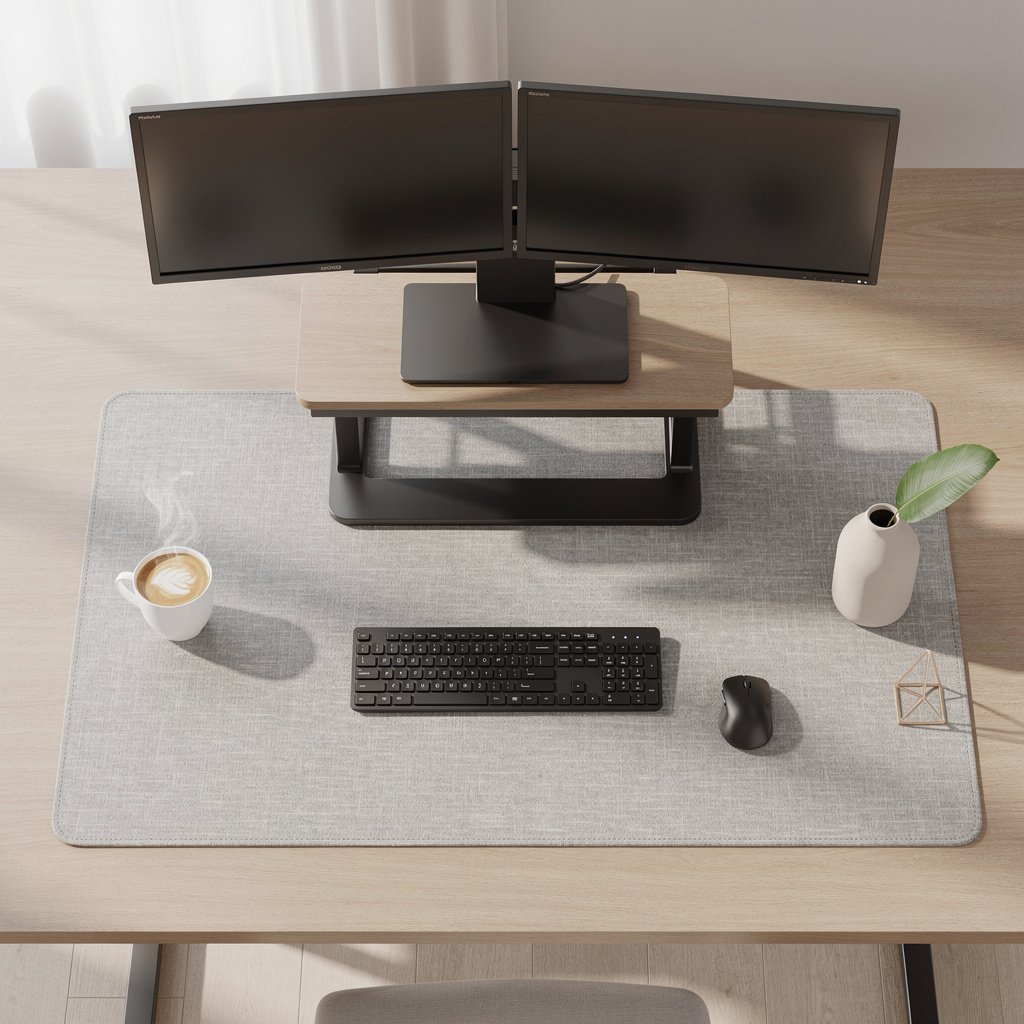
Some converters have hard feet that can indent or scratch veneer desks. Use a desk protection mat and round felt protectors under the converter feet. You can find suitable desk protection accessories and replacement parts from major retailers with easy return policies.