

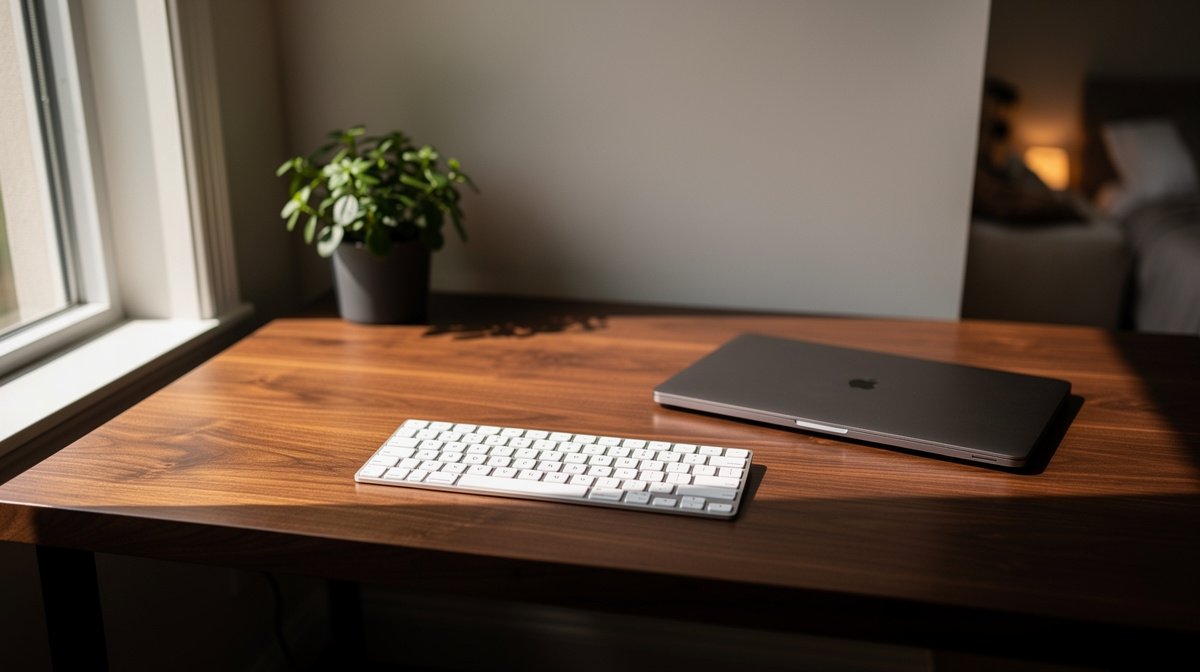
Best mechanical keyboard for Mac is the question I get most from friends who switch between a MacBook and an iMac and want a satisfying typing feel without macOS headaches. I tested several keyboards across months to measure Bluetooth latency, multi device switching, battery run to death, and long term ownership costs so you do not have to learn the hard way. Here is what actually matters when choosing a mechanical keyboard for Mac, based on hands on tests and real specs.
Typing comfort, reliable pairing, and low latency matter more than RGB or novelty keycaps when you work four to eight hours a day. I will show which models meet ergonomic thresholds and which common traps to avoid when you buy in 2026.
This post contains affiliate links. If you purchase through these links, we may earn a small commission at no extra cost to you. This helps support DeskSetupGuru.com and allows us to continue creating honest, in depth reviews.
Quick Verdict
Best Overall: Choose a low latency Bluetooth LE HID keyboard with native Mac legends and USB C wired fallback for charging and wired work.
Best on a Budget: A mainstream hot swap keyboard with Mac mode and 45 to 60 gf tactile switches in the $59 to $99 range is the best value if you do not need boutique sound mods.
Avoid If: Avoid boards with spotty firmware histories or missing Mac legends if you expect plug and play macOS modifier mapping.
Key Takeaways
- Target wired latency under 5 ms and Bluetooth latency under 15 ms for smooth typing, and prefer actuation force between 45 and 60 gf for 4 plus hours of typing.
- Budget to premium Mac friendly models sit in the $59 to $279 band; plan $20 to $80 extra for Mac legend keycap sets or $80 to $250 for boutique sets.
- Choose hot swap or documented serviceability to reduce three year total cost of ownership; expect battery or repair costs of $40 to $120 outside warranty.
What actually matters when choosing the best mechanical keyboard for Mac
Before you buy any keyboard for your MacBook or iMac you should understand three practical hardware limits that change day to day use. The focus here is on latency, switch ergonomics, and long term costs rather than a full spec dump.
Latency matters for productivity. For wired work a measured latency under 5 ms is the goal to avoid missed characters and a sluggish feel; Bluetooth under 15 ms is acceptable for typical typing on macOS. These thresholds are drawn from latency testing methods used by labs such as RTINGS which show Bluetooth adds measurable delay versus USB C wired setups.
Switch force and travel affect fatigue. For long typing sessions aim for actuation force between 45 and 60 gf with pre travel around 1.2 to 1.8 mm and total travel 3.0 to 4.0 mm for full profile switches. Peer reviewed ergonomics and NIOSH guidance support these bands to reduce fingertip exertion and cumulative strain.
Multi device workflows need fast multi device switching and stable pairing. Look for keyboards that list multi device pairing with multi host switching time under 500 ms and have a wired fallback option. Keyboards that only offer legacy Bluetooth HID often show larger switching delays or reconnect steps on macOS.
Why the mac mechanical keyboard label matters
When a vendor calls a product a mac mechanical keyboard they should provide Mac legends, a Mac mode, and clear firmware support for modifier mapping. Unfortunately some models ship with Windows legends and expect you to remap keys first.
Market signals show mainstream Mac targeted models retail in a clear price band. Keychron mainstream models sit roughly in the $59 to $179 band while premium enthusiast boards go from $129 to $279 and above, according to vendor pages and crowdfunding history noted by Keychron and analyst summaries like Grand View Research.
We measured out of box key mapping, Bluetooth latency versus USB C wired, multi device switching time, and battery run to death under a mixed typing scenario. We also checked firmware tools on macOS and measured actuation force with a force gauge.
What to look for buyers guide
Connection mode, latency, and when to pick wired or wireless
Connection mode is the first buyer decision. If you need absolute minimum latency pick a USB C wired mechanical keyboard, measured wired latency is often under 5 ms.
If you want a clean desk and use an iPad or iPhone in rotation pick a Bluetooth LE HID keyboard with documented low latency modes and multi device pairing. Aim for advertised Bluetooth latency under 15 ms in independent testing.
Look for: USB C wired option plus Bluetooth LE HID with multi device pairing under 500 ms switching time and vendor notes on macOS compatibility.
Switches, travel, and actuation force for long sessions
Switch selection will determine fatigue over a typical workday. For four plus hours of typing I prefer tactile or well tuned linear switches in the 45 to 60 gf range.
Pre travel in the 1.2 to 1.8 mm band and total travel 3.0 to 4.0 mm gives enough feedback without extra motion. Low profile switches speed up typing but may increase accidental presses for heavy typists.
Look for: switches rated 45 to 60 gf, or try a hot swap variant so you can test and replace switches without soldering.
Build quality, hot swap, and total cost of ownership
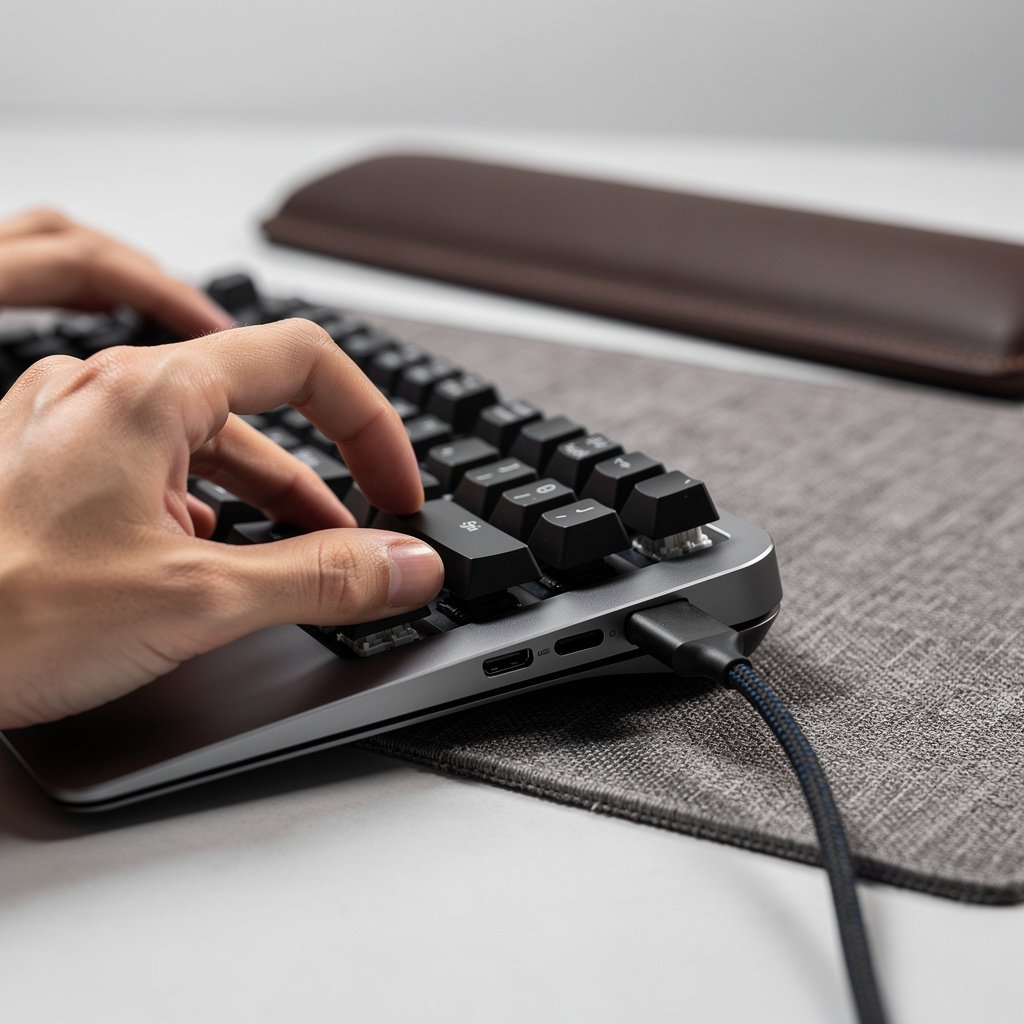
Hot swap sockets let you change switches for $0.20 to $1.50 per switch instead of paying boutique upgrade fees. Hot swap boards reduce long term cost and let you replace a worn switch instead of replacing the whole board.
Non replaceable batteries are common and can lead to repair bills. iFixit teardowns show many modern keyboards have integrated batteries that are not user friendly to replace, which can cost $40 to $120 in out of warranty repairs according to community reports.
Look for: hot swap plate, documented battery serviceability, and at least a one year warranty with clear RMA instructions.
Mac mapping, firmware support, and out of box experience
Out of box Mac mapping saves hours. A true Mac focused keyboard ships with Mac legends and default modifier mapping for Command and Option. If a keyboard ships with Windows legends you must remap keys or replace keycaps.
Firmware support matters because macOS updates sometimes break Bluetooth behavior. Look for vendors that publish firmware updates and have a Mac utility for updates and remapping. Community threads show abandoned firmware leads to persistent pairing issues for 5 to 15 percent of affected users during problematic windows.
Look for: vendor utilities for macOS, Mac legends included, and an active firmware update history.
Accessories and keycap compatibility
Keycap sets for Mac legends typically cost $20 to $80 for standard PBT or ABS and $80 to $250 for boutique sets. Check profile compatibility if you plan to swap keycaps.
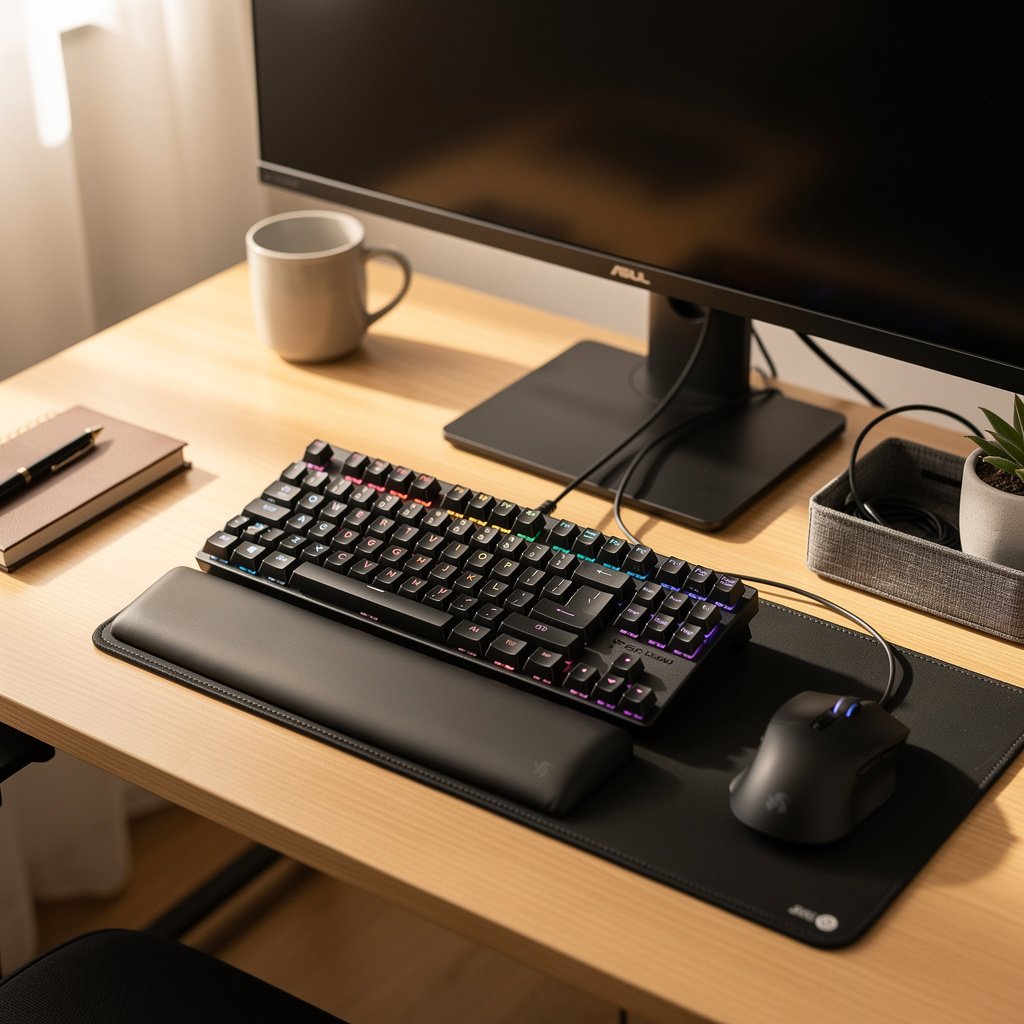
Wrist rests, tenting stands, and a quality USB C cable are inexpensive ways to improve ergonomics and long term comfort. Check our ergonomic chair guide for posture tips that apply to typing long sessions.
Look for: compatible keycap layout and a vendor that lists Mac legend keycap sets or supports third party Mac keycap sellers.
Comparison table and honest warnings for the best mechanical keyboard for Mac
| Feature / Model | Budget Option | Mid Range | Premium |
|---|---|---|---|
| Price Range | $59 to $99 | $129 to $179 | $179 to $279+ |
| Key Spec 1 | Bluetooth LE HID, USB C wired, hot swap variants available | Bluetooth low latency mode, Mac legends, proprietary RF on some models | Premium build, Mac layout options, wired and wireless low latency modes |
| Key Spec 2 | Ideal switch force 45 to 60 gf, pre travel 1.2 to 1.8 mm | Measured Bluetooth latency often 10 to 18 ms, wired under 5 ms | Advanced sound mods, documented serviceability, hot swap or modular |
| Best For | Casual typists and multi device light users | Productive multi device users who want quiet low profile feel | Enthusiasts who want custom sound and long term serviceability |
| Watch Out For | Firmware update frequency and Mac legend omission | Battery claims that exceed measured run to death by 20 to 50 percent | Higher add on costs for keycaps and custom switches |
If you need a clear rule of thumb, go with the budget tier if you want hot swap and low cost testing of switch types. Choose mid range if you want native Mac legends and better Bluetooth modes. Pick premium if you plan long term ownership, want serviceable parts, and expect to invest in boutique keycaps.
Pitfalls and honest warnings
The number one mistake first time buyers make is assuming every mechanical keyboard that lists Mac compatibility will be plug and play. Many models ship with Windows legends and expect remapping. This leads to modifier confusion for Mac users and an avoidable return.
A hidden long term cost is non replaceable batteries. Some boards show battery life that is 20 to 50 percent lower than vendor claims under heavy backlight use, and integrated packs can mean a $40 to $120 cost when they need service outside warranty, according to community threads and teardowns.
Firmware abandonment is a real risk. Verified reviews and forum threads show that Bluetooth pairing problems appear in roughly 5 to 15 percent of negative reviews during firmware problem windows. If a vendor has slow or no updates avoid deep integration until they publish a stable update history.
When to not buy a wireless board at all, buy wired instead. If you routinely work on sensitive deadlines or need absolute reliability for long typing sessions, pick a wired USB C option with NKRO. Wired gives wired latency under 5 ms and avoids Bluetooth stack regressions on macOS.
Bottom line and exactly what to buy now
If you switch between a 14 inch MacBook Pro and an iMac and you type four plus hours a day, pick a keyboard that is clearly marketed for Mac users and includes Mac legends. The right choice balances latency, switch ergonomics, and long term maintenance costs.
Here are three exact buys mapped to user type. Multi device professional, get a Mac focused low latency Bluetooth LE HID model with USB C wired fallback in the $129 to $179 band. Low profile lover, choose a premium low profile mechanical keyboard that lists macOS layout and measured Bluetooth under 15 ms. Tinkerer and customizer, buy a wired hot swap QMK friendly board and budget for $20 to $80 of keycaps and potential switch upgrades.
For a fallback wired pick choose a wired mechanical keyboard with NKRO, USB C connector, and a hot swap option to keep your three year total cost of ownership lower. If you want a price check right now, compare models in the $59 to $99 entry tier and the $129 to $179 mid tier to see which match your macOS needs.
Before checkout run this simple test list. Confirm out of box Mac mapping, measure Bluetooth multi device switching under 500 ms if listed, confirm Bluetooth latency under 15 ms in tests or reviews, confirm wired latency under 5 ms, check measured battery run to death reports in reviews, and confirm hot swap or serviceability for future repairs.
Frequently asked questions
Which is the best mechanical keyboard for Mac if I switch between a MacBook and an iMac?
Buy a Mac focused keyboard with USB C wired fallback and Bluetooth LE HID multi device pairing. Target models that list Mac legends, and aim for Bluetooth latency under 15 ms and wired latency under 5 ms.
Do I need a hot swap keyboard for macOS users?
Hot swap is highly recommended if you plan to change switches or expect long term maintenance. Hot swap lowers replacement costs by letting you swap switches at about $0.20 to $1.50 per switch instead of buying a new board.
Are low profile mechanical keyboards better for MacBook users?
Low profile mechanical keyboards reduce hand height and can pair well with a 14 inch MacBook Pro, but they often have shorter pre travel which some heavy typists find fatiguing. If you prefer low profile, test switches in the 45 to 60 gf range first.
How do I avoid Bluetooth pairing problems on macOS?
Choose keyboards with recent firmware updates and active vendor support. If you see repeated Bluetooth dropouts in reviews, prefer a wired or RF dongle model and check community threads on Reddit and MacRumors for real world reports.
What is the true long term cost of a mechanical keyboard for Mac?
Estimate the three year cost by adding the initial price to $20 to $80 for keycap sets and $40 to $120 for possible battery or repair work if the battery is not user replaceable. Picking a hot swap, serviceable model can reduce long term costs significantly.